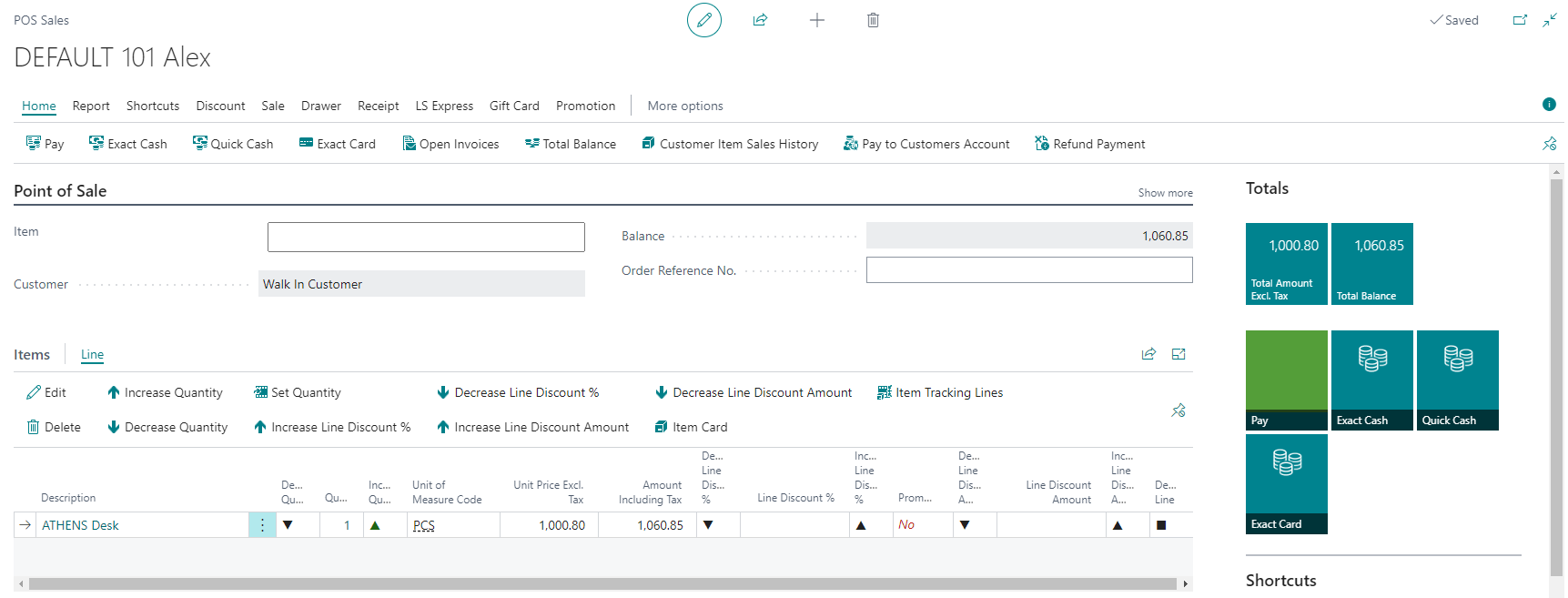
Suspend and Retrieve Sales
Suspended sales are helpful if a customer needs to leave (for example, to get their wallet or retrieve more items). By suspending the sale, you can serve other customers while still retrieving the suspended sale when the customer returns.
How to: Suspend a Sale
-
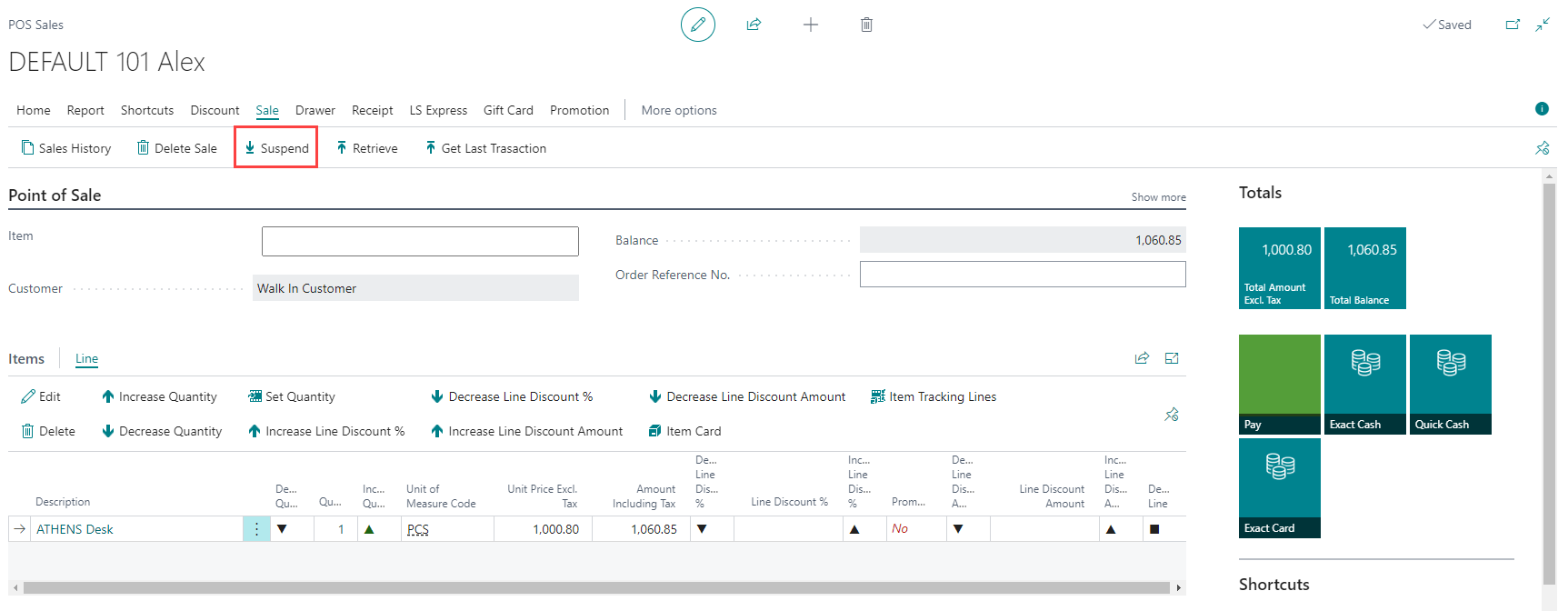
While in an active sale, select the Suspend action.
-
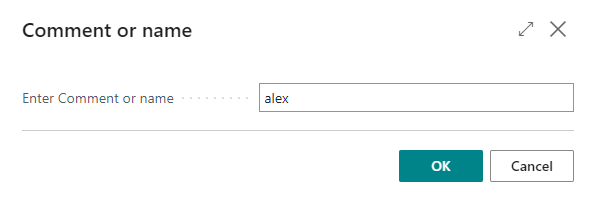
Add a comment or a name, so you can identify your sale when you need to retrieve it back into the POS.
How to: Retrieve a Suspended Sale
-
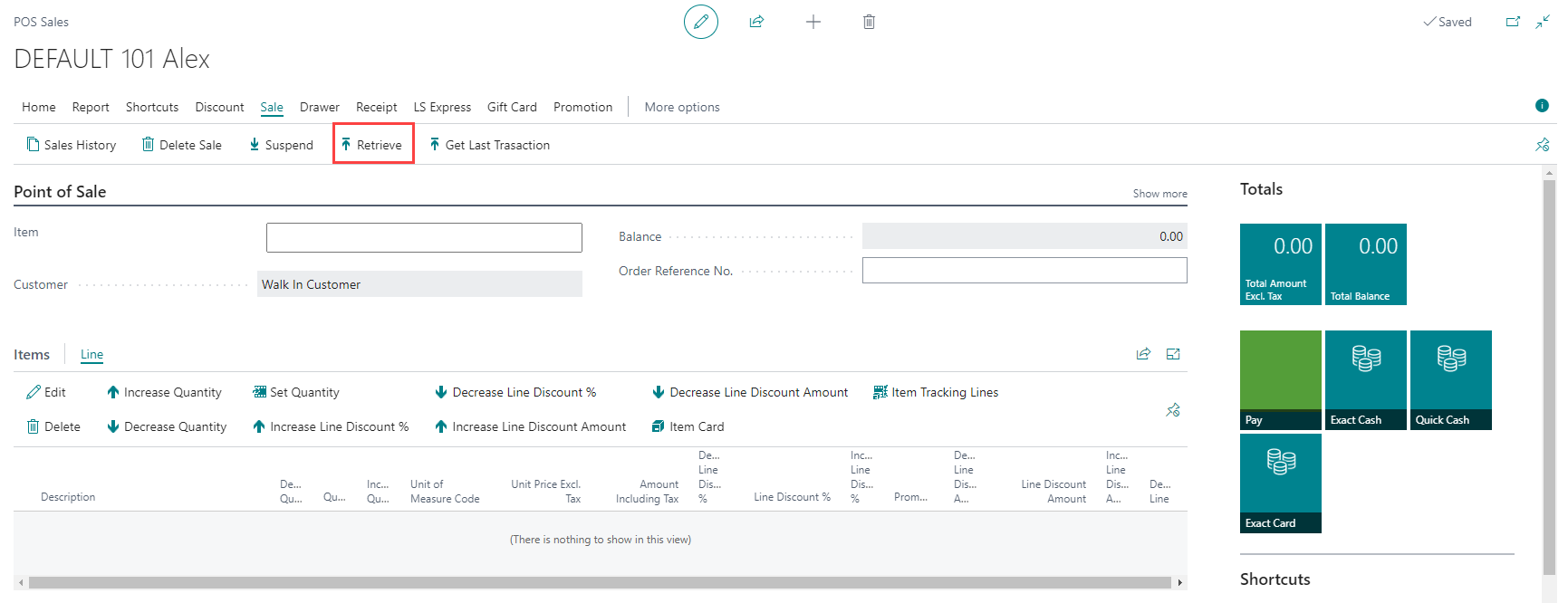
To pull a suspended sale back into the POS, select the Retrieve action.
-
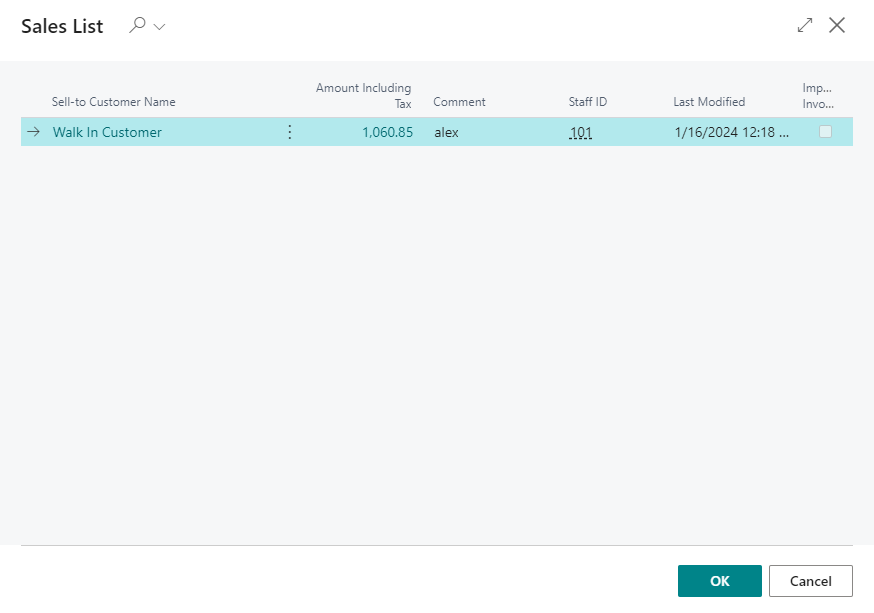
Select which sale to retrieve.
-
Once the selected sale has been retrieved, it can be finalized like any other sale.