Cash Register Setup
Each POS device in LS Express must be registered as a cash register in Fiskaly before it can sign transactions.
-
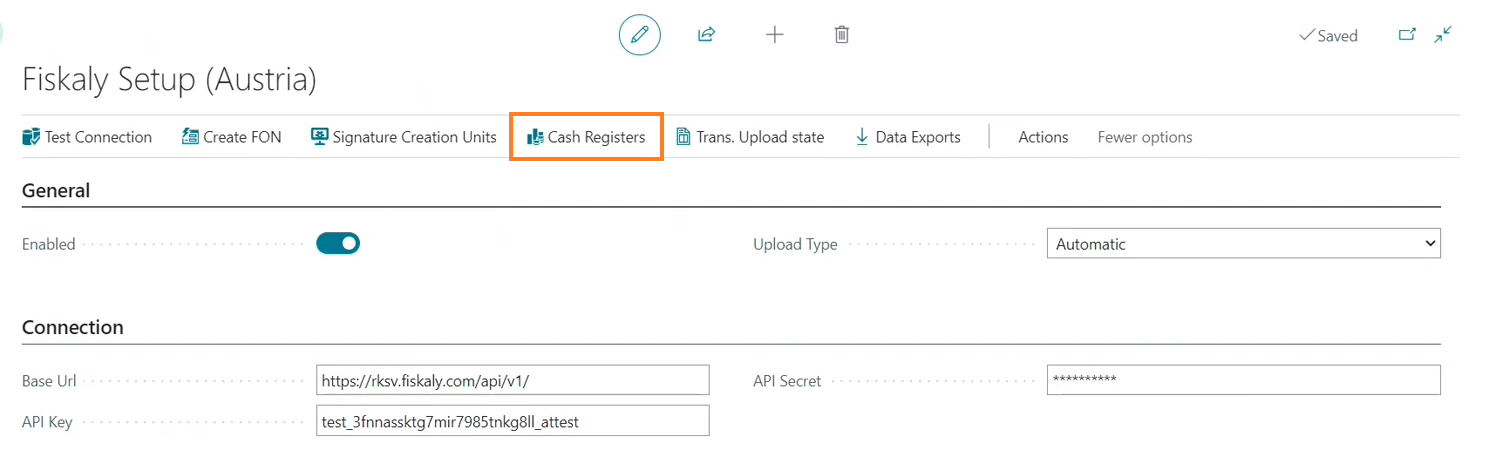
On the Fiskaly Setup (Austria) page, select Cash Registers.
The list shows each POS device and its current state: None (not yet registered), Created, Registered, or Initialized. Processing a cash register moves it through these states in order, from Created to Registered to Initialized.
-
For each POS device that shows None, select Process Cash Register to register it with Fiskaly and retrieve its ID and status.

Note: If you replace POS hardware, don't reuse the old cash register record for the new device. Process a new cash register for the new POS instead, and decommission the old one in the Fiskaly dashboard. Reusing a cash register whose Fiskaly-side registration is no longer valid causes transactions to fail with an error such as "Cash Register X record is not found in Fiskaly setup"; LS Express blocks posting in this situation rather than submitting to an invalid registration.