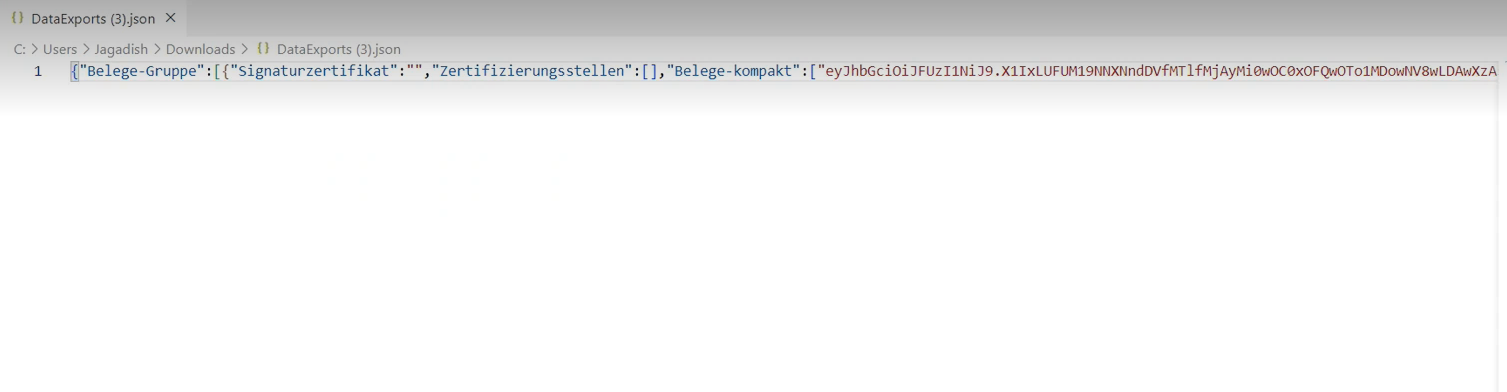
Data Export
To comply with Austrian RKSV requirements, LS Express can export your Fiscal Journal data as a JSON file. You may need to provide this file if requested by the tax authorities.
-
Select Data Exports.
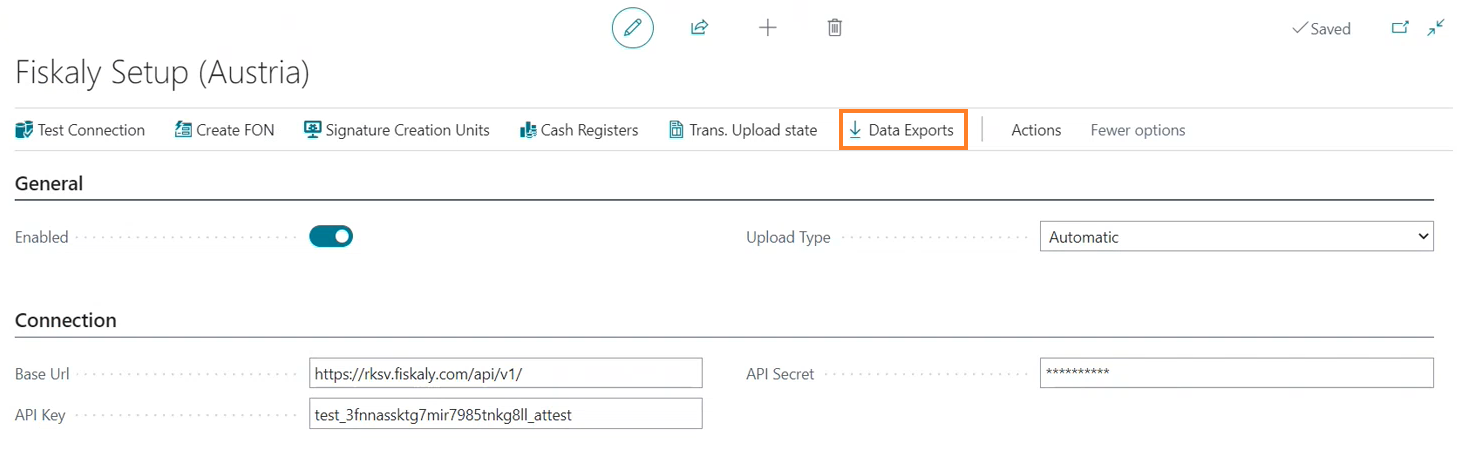
-
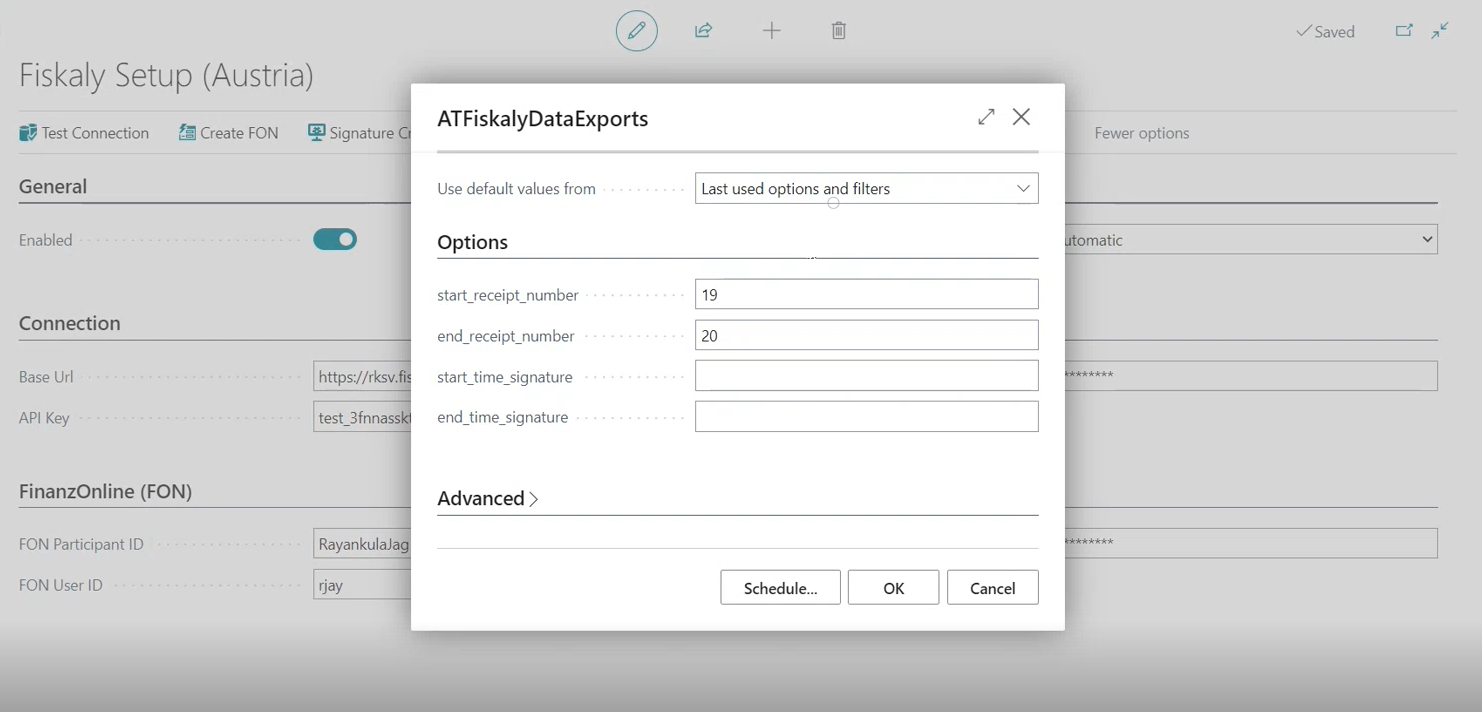
Define the export range using either or both of the following, then click OK:
-
Start Receipt Number and End Receipt Number — the range of receipt numbers to export.
-
Start Time Signature and End Time Signature — the range of Fiskaly time-signature values to export.
-
-
LS Express generates a JSON file containing the signed fiscal data for the specified receipt range. Save the file to submit to the tax authorities as required.