Disable Seal Functionality
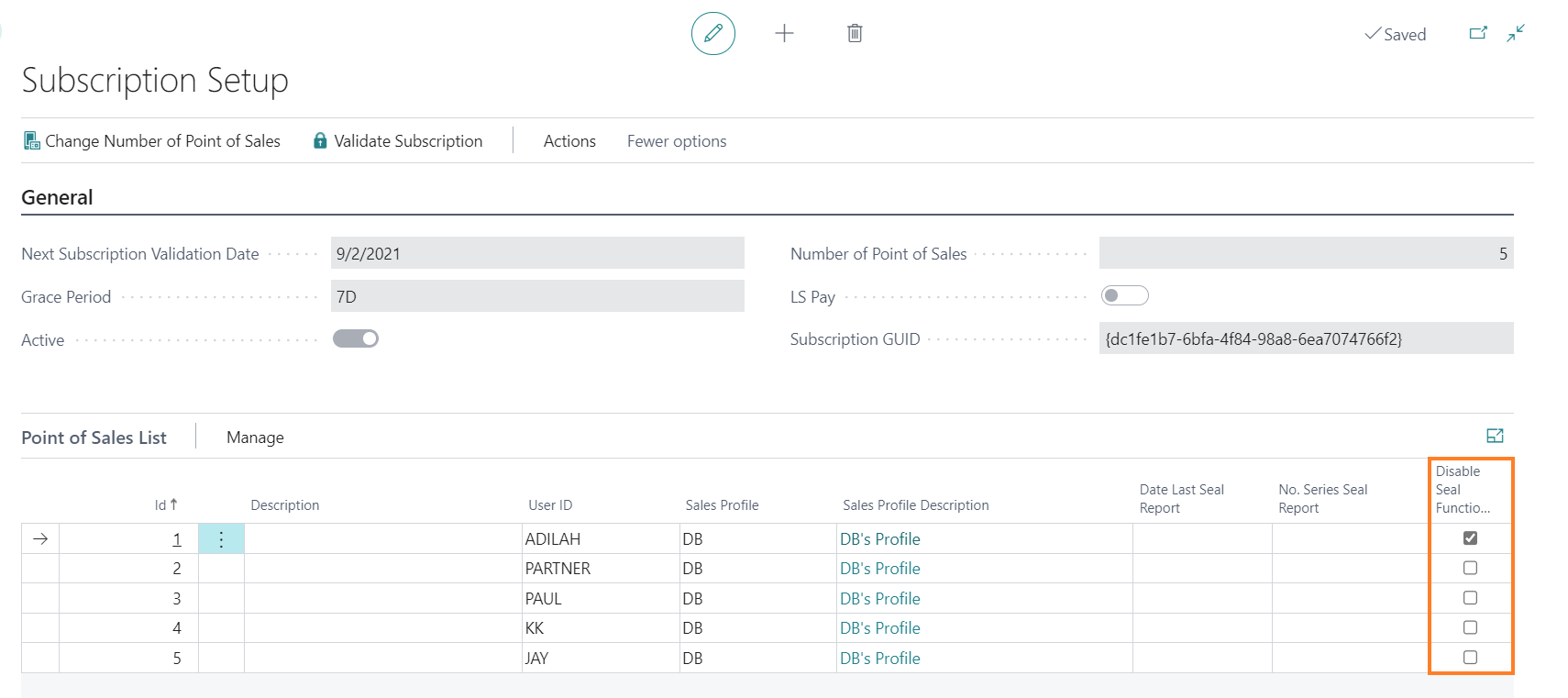
By default, i-Seal transaction records are automatically generated when a sale is posted. You can disable this per POS device.
-
Go to Administration > Related > Subscription.
-
In the Point of Sales List FastTab, select the Disable Seal Functionality checkbox for the relevant POS device to prevent i-Seal transaction records from being generated.