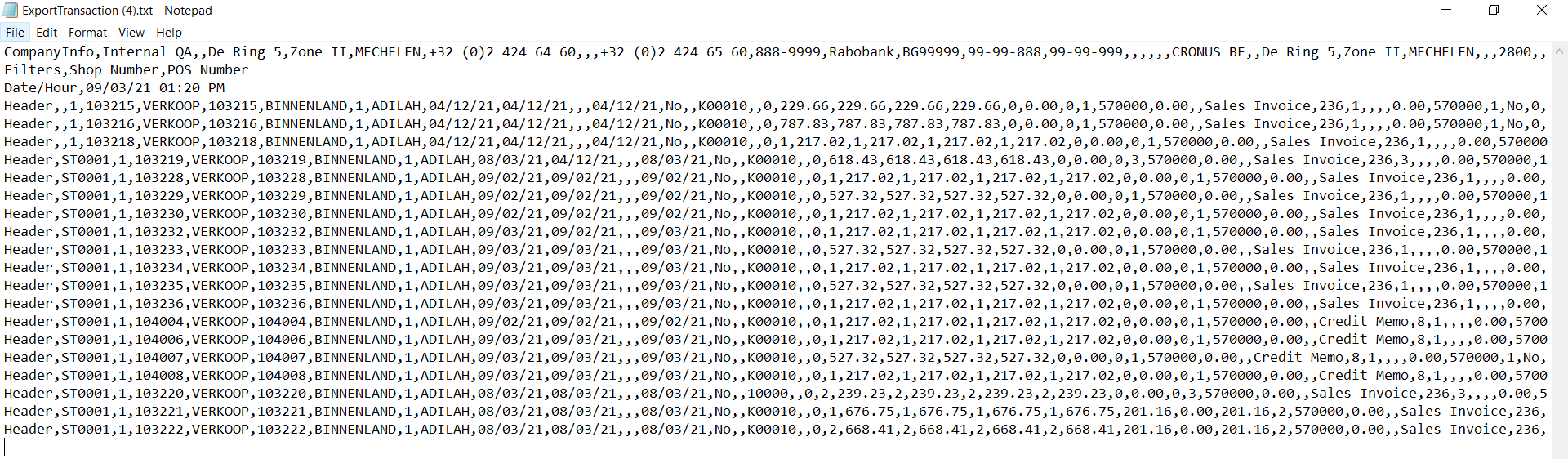
Transaction Export Report
The Transaction Export Report generates a text file containing all exported i-Seal transactions.
-
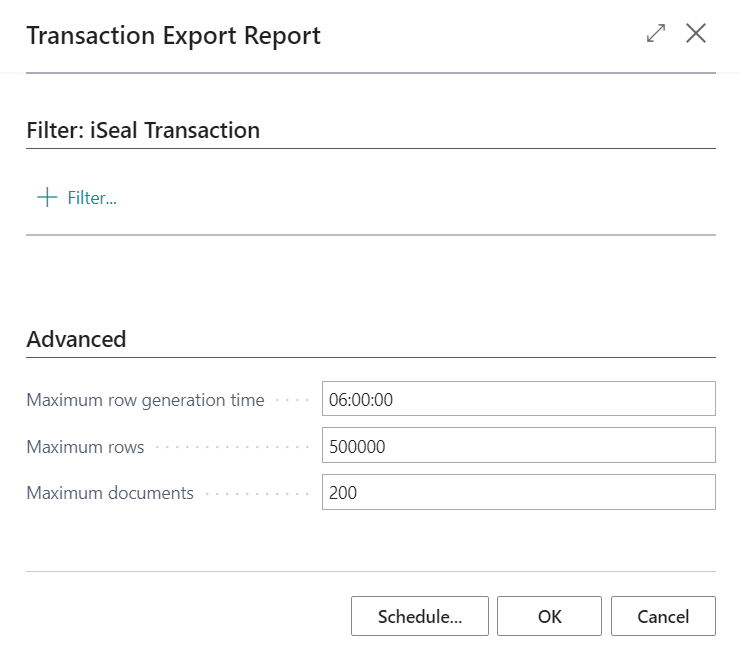
Search for Transaction Export Report and select the relevant link.
-
Select OK to export all transactions.
LS Express generates a text file report of the exported transactions. A single receipt may produce multiple lines in the report.