View i-Seal Transactions
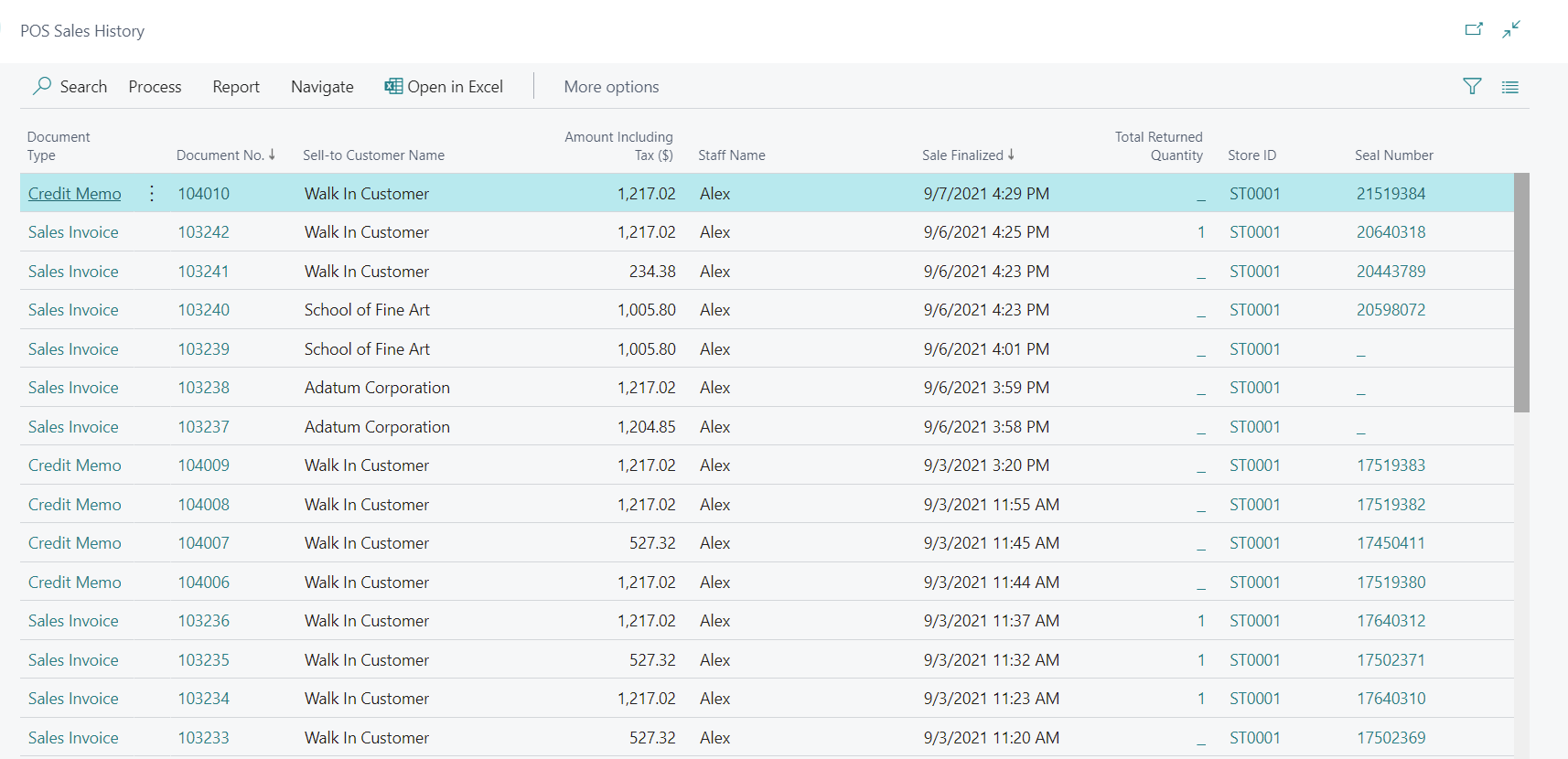
When a transaction is finalized in the POS, a seal number is automatically assigned to it. You can view this seal number directly from the POS Sales History, which lets you track item history for normal sales, reverse sales, and returned items.
On the Sales History page, the right column displays the Seal Number for each finalized transaction. Select the seal number to open the i-Seal Transactions List.