i-Seal Setup
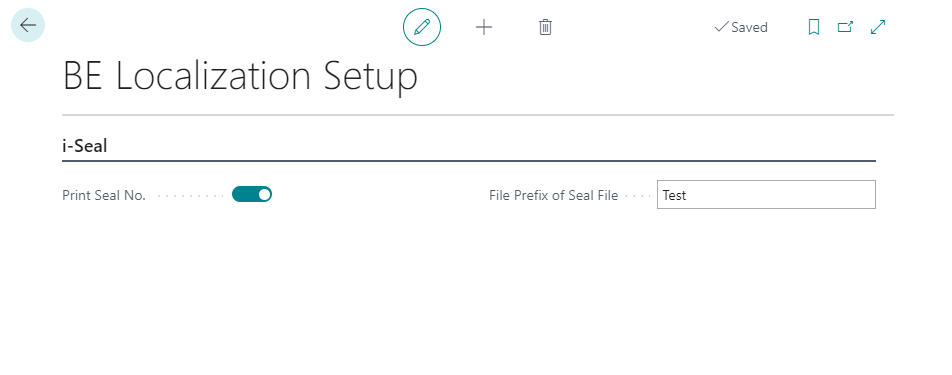
Use the BE Localization Setup page to configure the i-Seal module.
-
Search for BE Localization Setup and select the relevant link.
-
In the general settings:
- Enable the Print Seal No. toggle to print the seal number on receipts and invoices.
- Enter the desired prefix for the seal export file.