Assign Tax Area to Customers
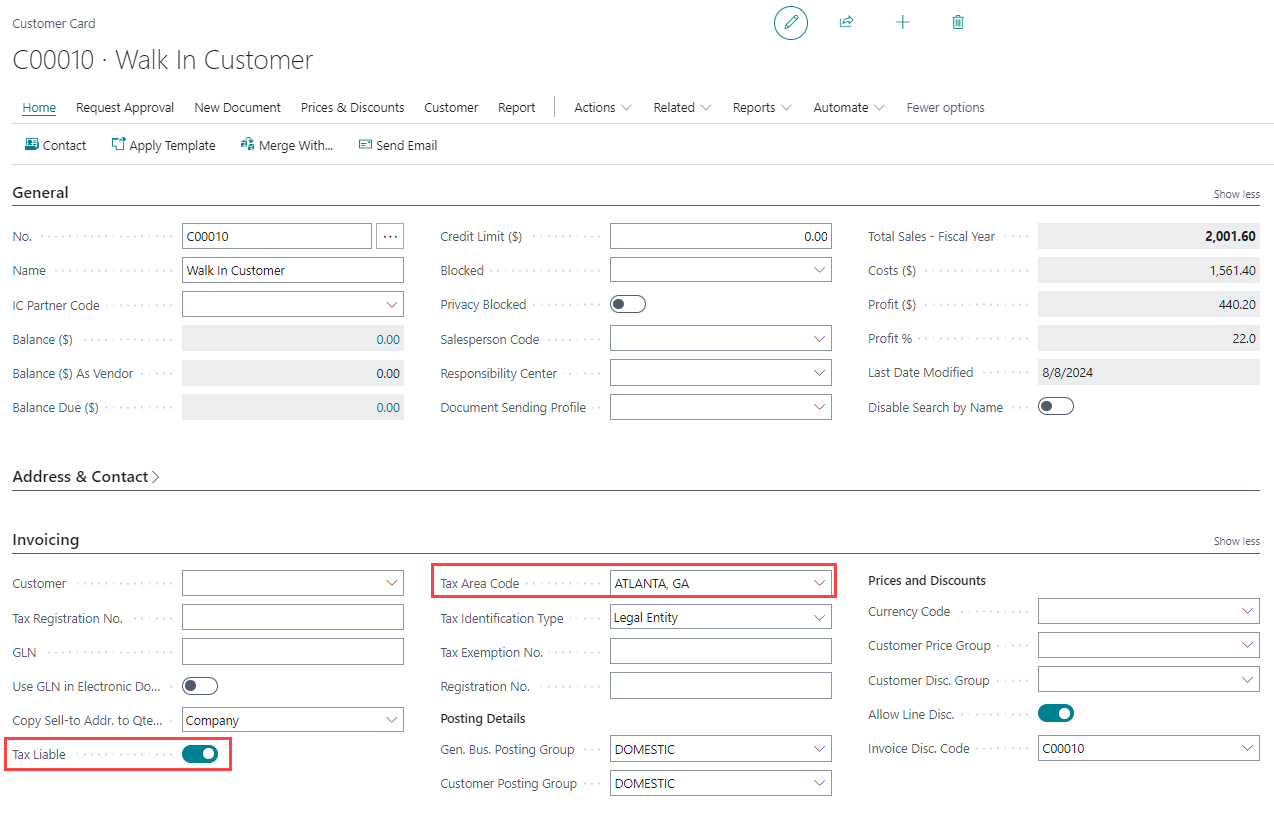
Each customer must have a tax area assigned to ensure the correct jurisdiction is applied to their transactions.
To assign a tax area to a customer:
-
Open the Customer Card for the customer.
-
On the Invoicing FastTab, enable the Tax Liable toggle if the customer is subject to sales tax.
-
In the Tax Area Code field, select the tax area that corresponds to the customer's location.