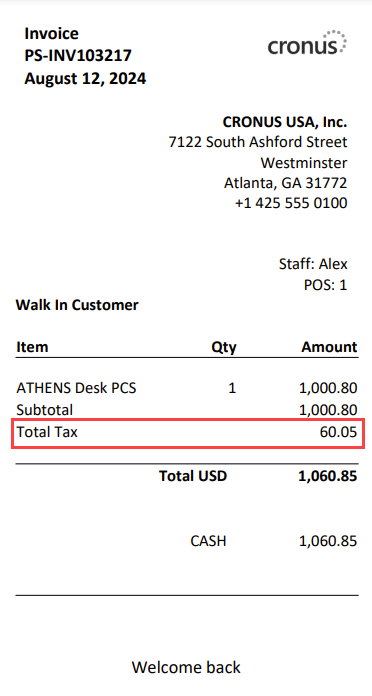
Verify Sales Tax
After configuring sales tax, verify that the correct rates are applied in the POS and reflected on the POS invoice.
Verify Tax on a Sales Transaction
-
In the POS, assign a customer to the sale. A customer with a Tax Area Code set on their customer card is required for tax to be calculated.
-
Add one or more items to the sale.
-
Verify that the tax amount is calculated and displayed on the sales line. The tax should reflect the rate defined for the item's tax group and the customer's tax area.
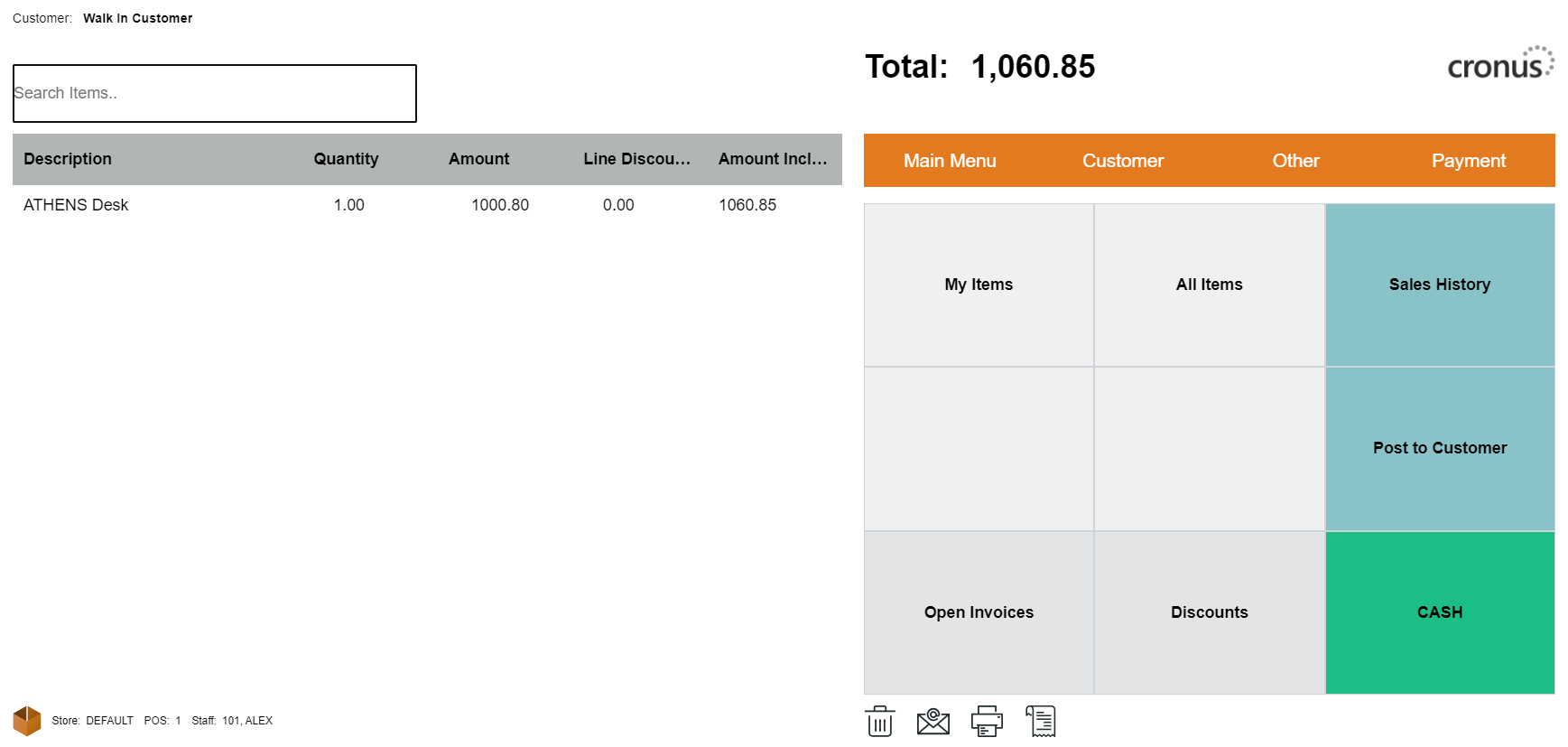
Review the POS Invoice
After completing the sale, open the POS invoice to confirm that the tax is reported correctly. The invoice should list the tax amount for each applicable jurisdiction and tax group. Verify that the totals match the expected tax rates.