Selling in POS and Other Functionalities
In the Norwegian version of LS Express, certain modifications have been made to fulfill the regulations set forth by the Norwegian Cash Register Systems Act and Regulations. These modifications affect the POS functionality and other related features.
Block Change Item Description
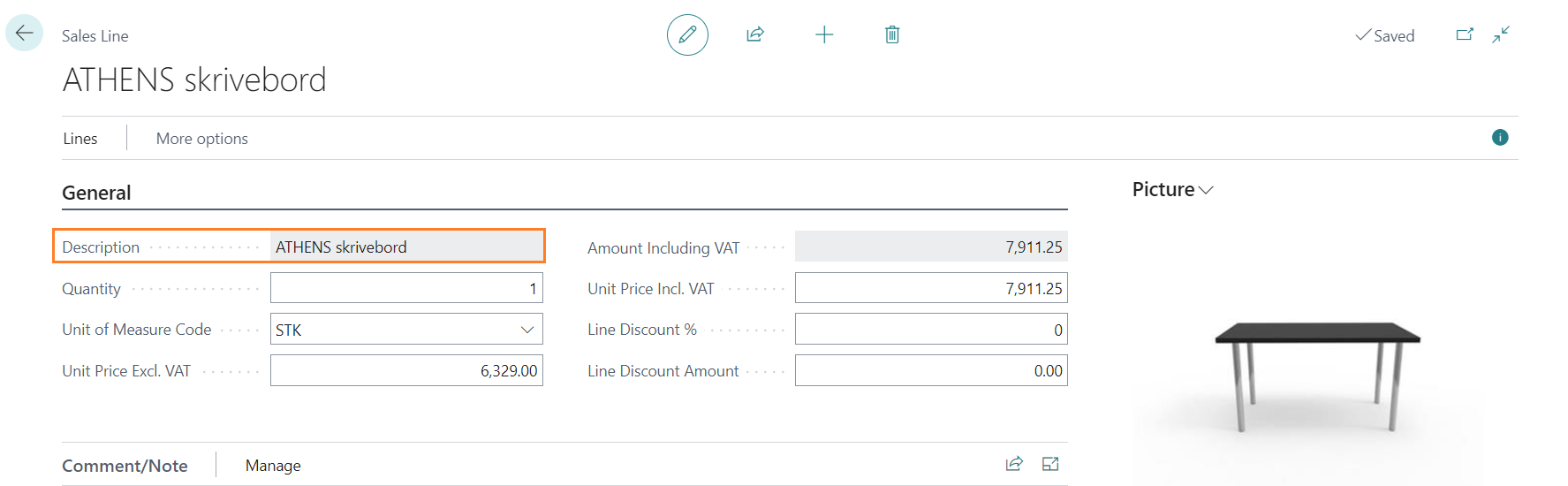
In the Norwegian version, the item description field in the sales line is uneditable. Users are not able to change the item description during the sales process.
POS Action Log
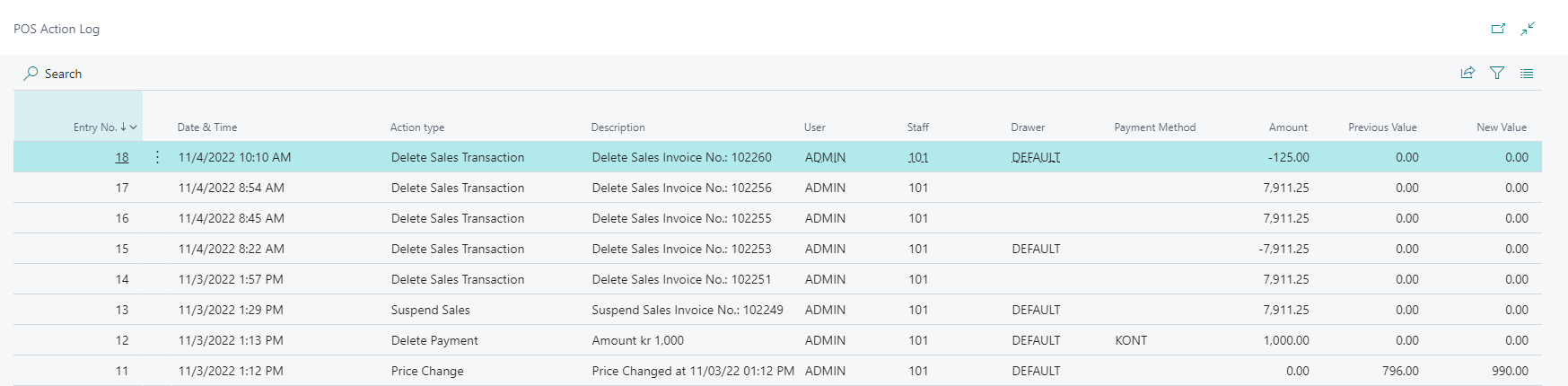
The following actions are always logged in the POS Action Log:
-
If an item price is changed in the POS.
-
If a POS sale is deleted (a sale with items but has not been posted).
-
If a sale is suspended.
Two more action types can also be logged, but only when their toggle is enabled in the POS Action Log settings on the Administration page:
-
Delete Payment: if a posted payment line is deleted (voided).
-
Open Drawer Without a Sale: if a drawer is opened without an active sale.
You can access the POS Action Log by navigating to Administration > Related > POS Log.
Printing in Sales Profile
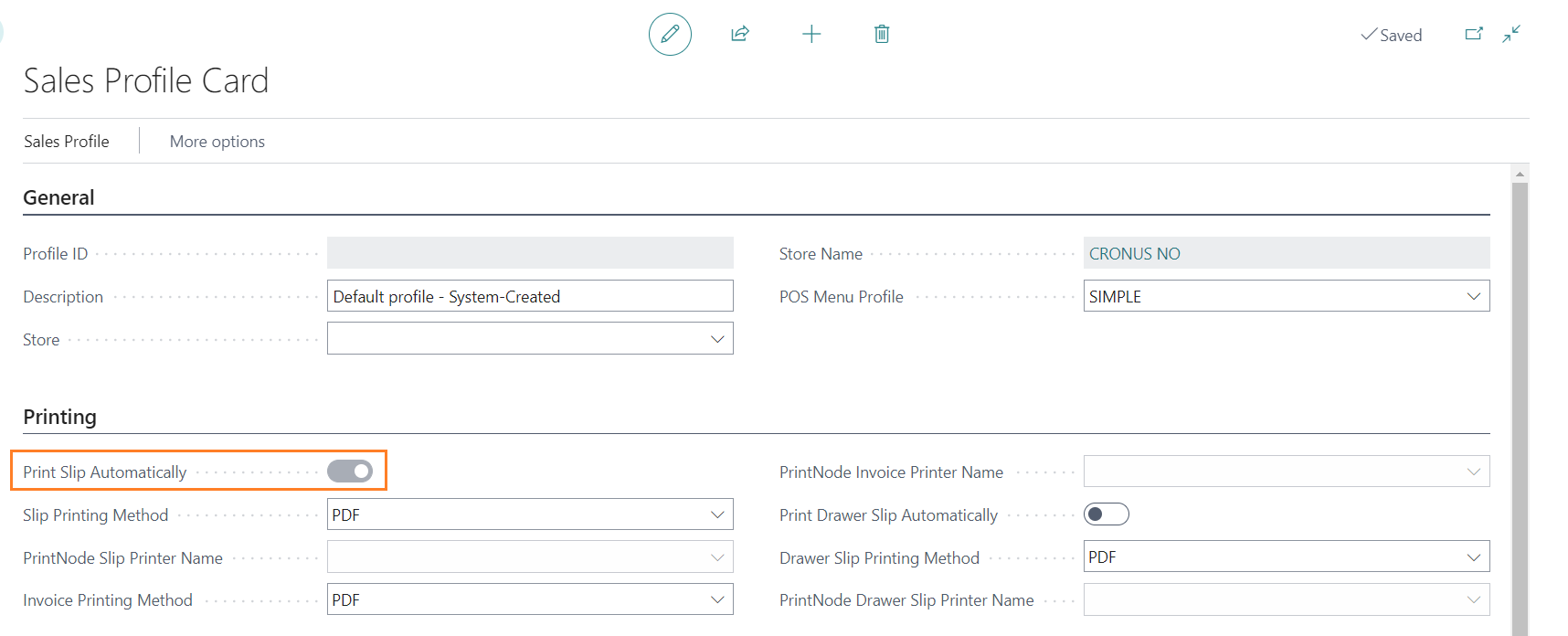
In the Norwegian version, the Print Slip Automatically toggle is enabled by default in the Sales Profile. This means that at the end of each sale, the receipt is automatically printed. However, staff members still have the option to choose to email or print the receipt manually if needed.