Selling in POS and Other Functionalities
In this article
When Fiscal Transactions are Sent to Infrasec
Block Sales & Return in the Same Transaction
In the Swedish version of LS Express, certain modifications have been made to fulfill the regulations set by the Swedish Tax Agency (Skatteverket) for cash registers.
When Fiscal Transactions are Sent to Infrasec
LS Express records a separate Fiscal Entry and sends a request to Infrasec for each of the following POS actions. Each scenario produces its own line on the Fiscal Entries page.
| Scenario | When it triggers |
|---|---|
| Walk-in sale | A POS sale is posted as an invoice. The full VAT breakdown is recorded on the fiscal entry. |
| Walk-in refund | A POS return is posted as a credit memo. Amount and VAT values are recorded as negatives. |
| Pay to Customer | Payment is received at the POS against a previously posted customer invoice. The applied amount is sent to Infrasec; if the payment is partial, the VAT amounts are pro-rated. |
| Refund to Customer | A refund is paid out against a previously posted credit memo. |
| Print Receipt (copy) | A receipt is reprinted. See Reprinted (Copy) Receipts below. |
Note: If the connection to Infrasec is unavailable when a transaction is posted, the Fiscal Entry is still created locally with Status = Error. A notification is shown at the POS so the cashier knows the entry must be re-submitted later from the Fiscal Entries page.
Reprinted (Copy) Receipts
When a staff member reprints a receipt at the POS, LS Express sends an additional request to Infrasec so the duplicate is traceable for the Swedish Tax Agency (Skatteverket). The reprinted receipt header shows the words COPY (KOPIA) as required by SKVFS 2021:17, and the response from Infrasec (signature and encryption code) is stored on the original Fiscal Entry.
You can review copy information by opening the Infrasec Transaction Card from the Fiscal Entries page.
Block Sales & Return in the Same Transaction
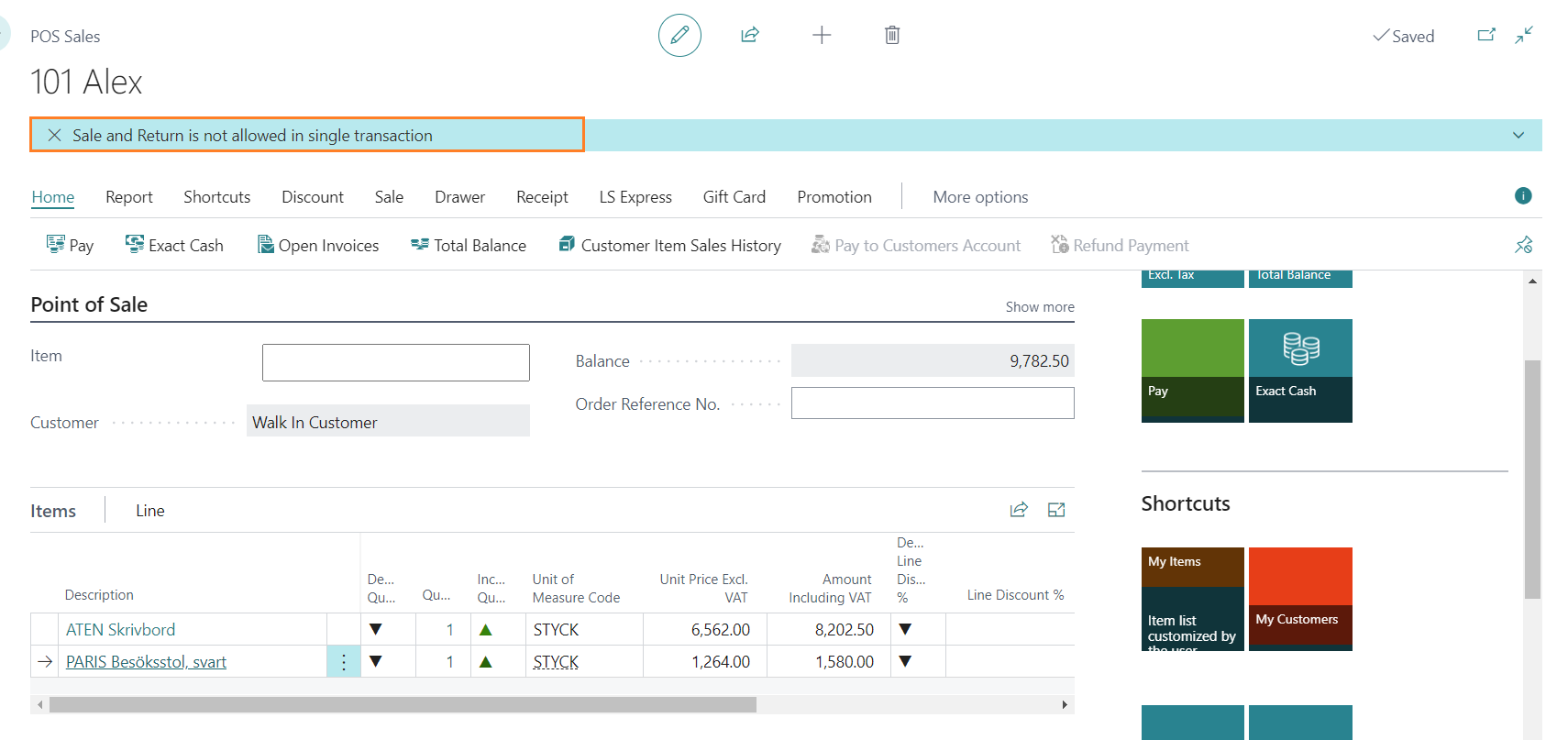
It is not possible to sell and return items in the same sales transaction in the Swedish version of LS Express. If a user attempts to perform both actions within a single transaction, a notification will be displayed to inform them that returns must be processed in a separate transaction.
Block Change Item Description
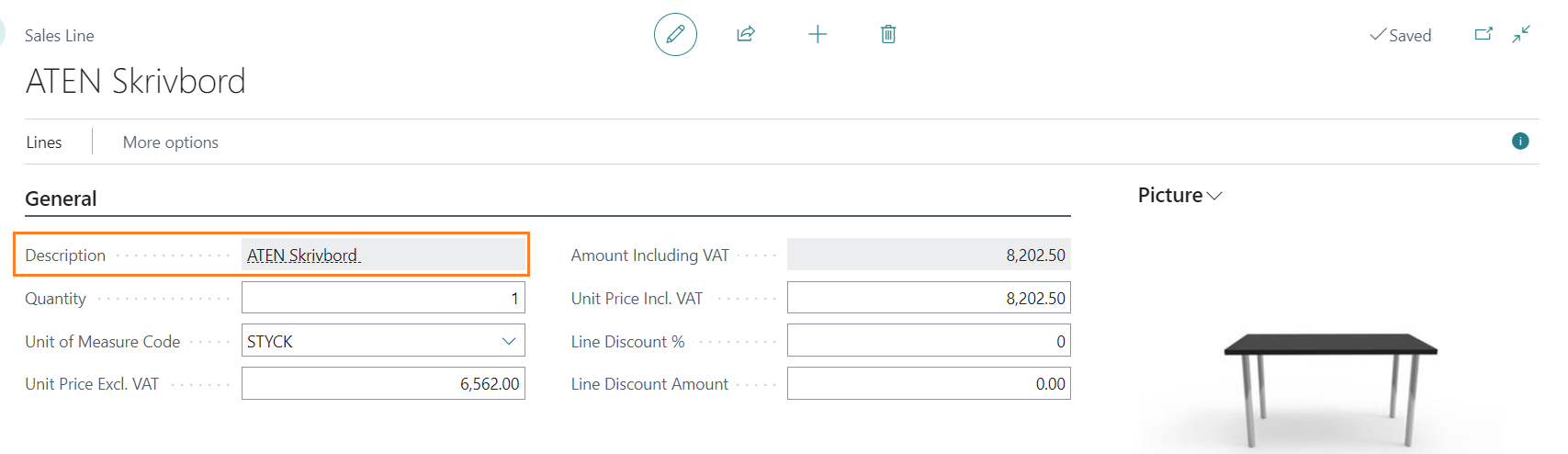
In the Swedish version, the item description field on the sales line is not editable. Users cannot modify the item description directly from the sales line.
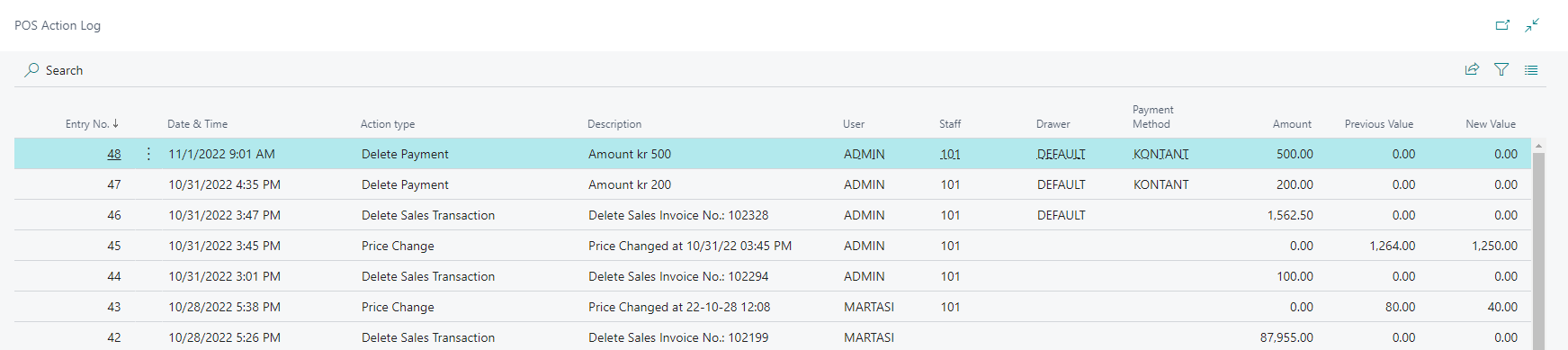
POS Action Log
The following actions are always logged in the POS Action Log in the Swedish version of LS Express:
-
If an item price is changed in the POS.
-
If a POS sale is deleted (a sale with items but has not been posted).
-
If a sale is suspended.
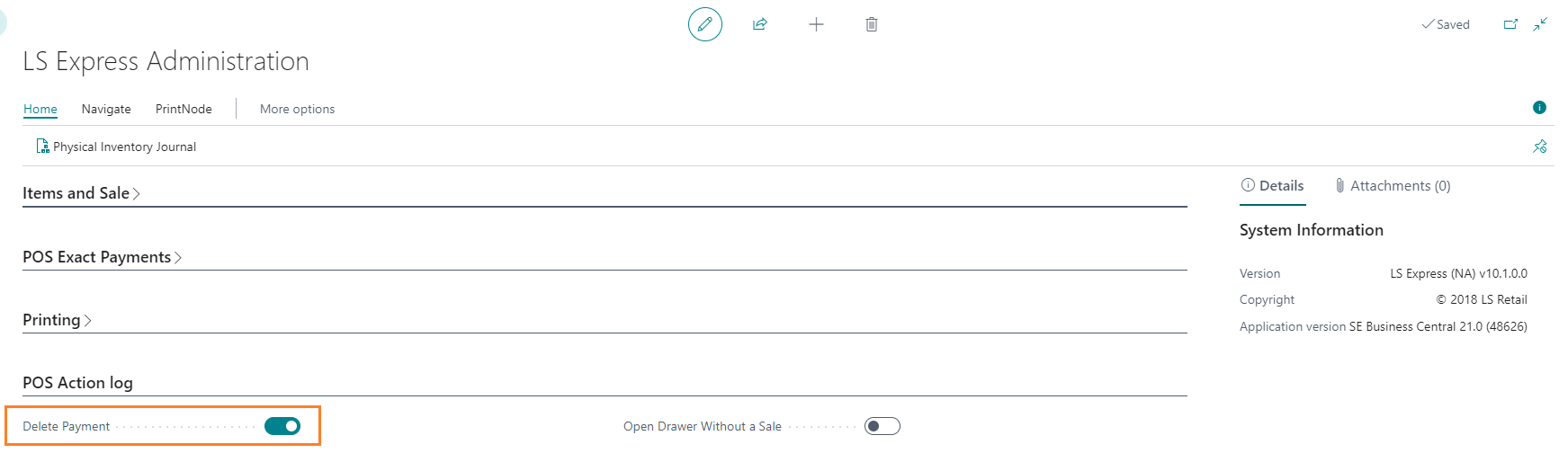
Two more action types can also be logged, but only when their toggle is enabled in the POS Action Log settings on the Administration page:
-
Delete Payment: if a posted payment line is deleted (voided).
-
Open Drawer Without a Sale: if a drawer is opened without an active sale.
You can access the POS action log by navigating to Administration > Related > POS Log.
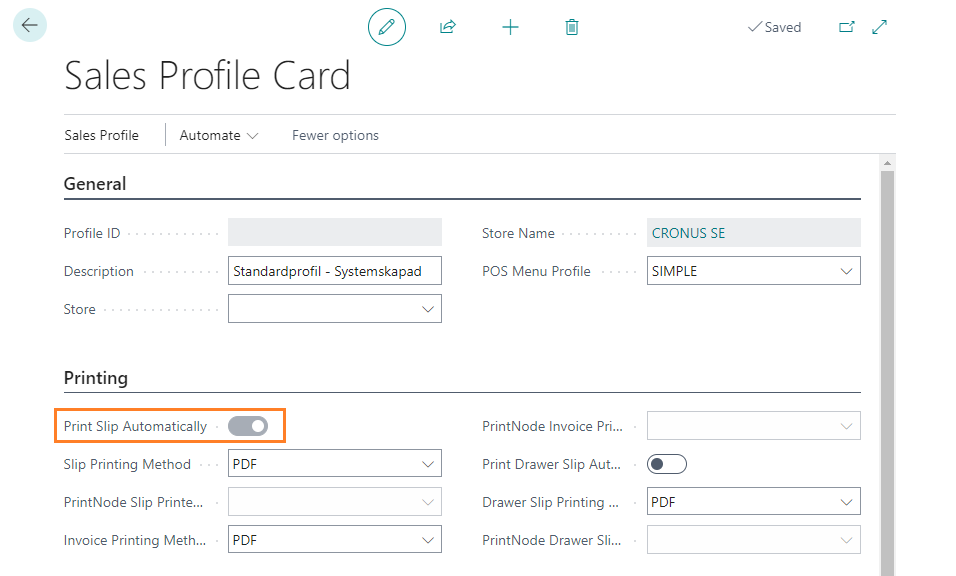
Printing in Sales Profile
In the Swedish version, the Print Slip Automatically toggle is enabled by default. This means that at the end of each sale, the receipt will be automatically printed. However, staff members still have the option to choose between emailing or printing the receipt if needed.