Change the Unit of Measure
How to: Change the Unit of Measure
If the item has been set up with multiple units of measures, it is simple to change from the POS default. For example, PCS to BOX.
-
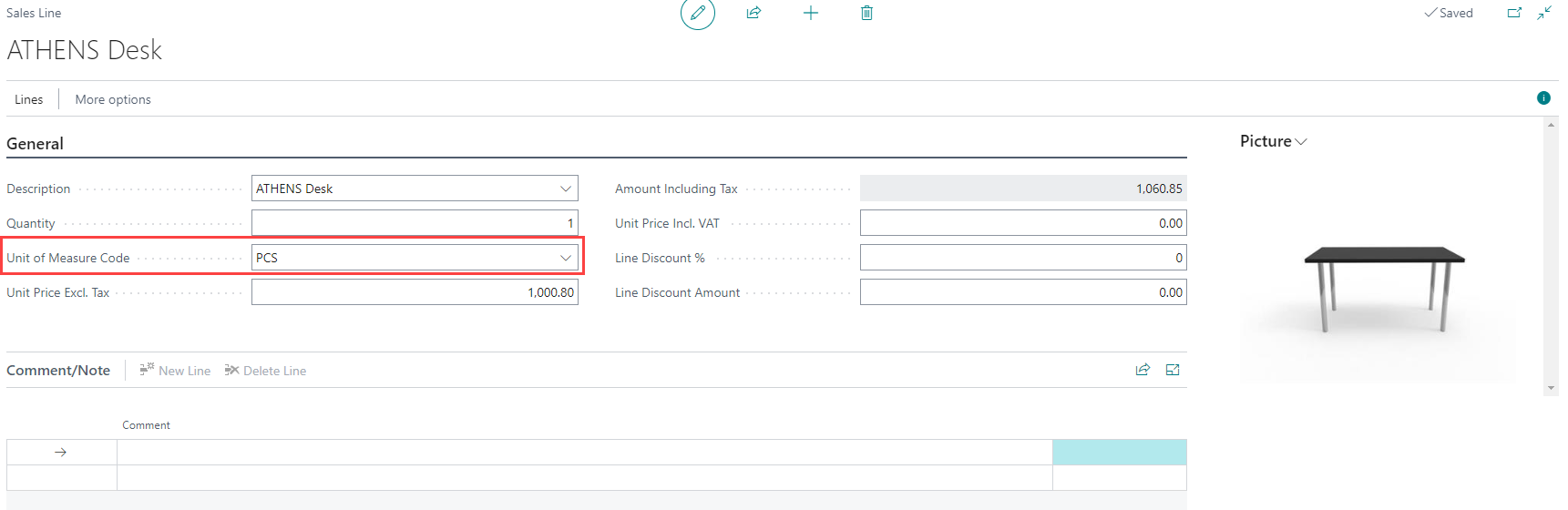
To change the unit of measure of an item, select the item line and select the new Unit of Measure from the list.
-
Once the new unit of measure is selected, the unit price and amount including tax, are updated accordingly.