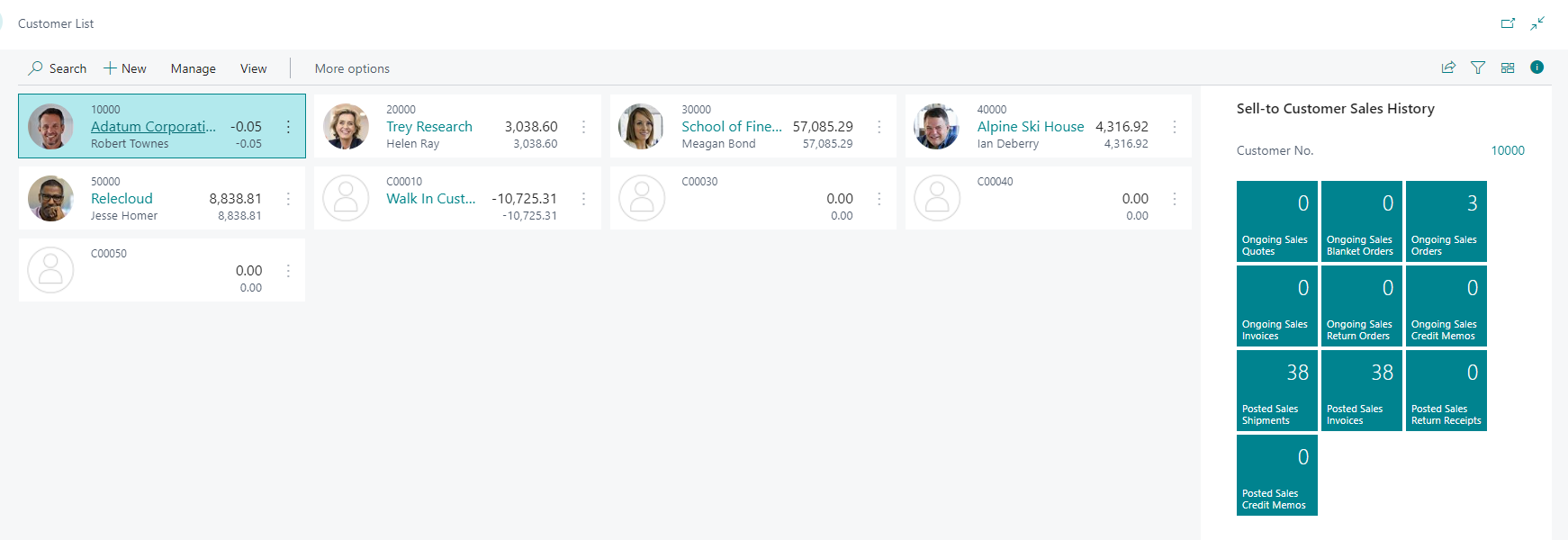
Customer
Customers can be categorized into two types: "Walk-In" customers and "Named" customers.
Walk-In Customer
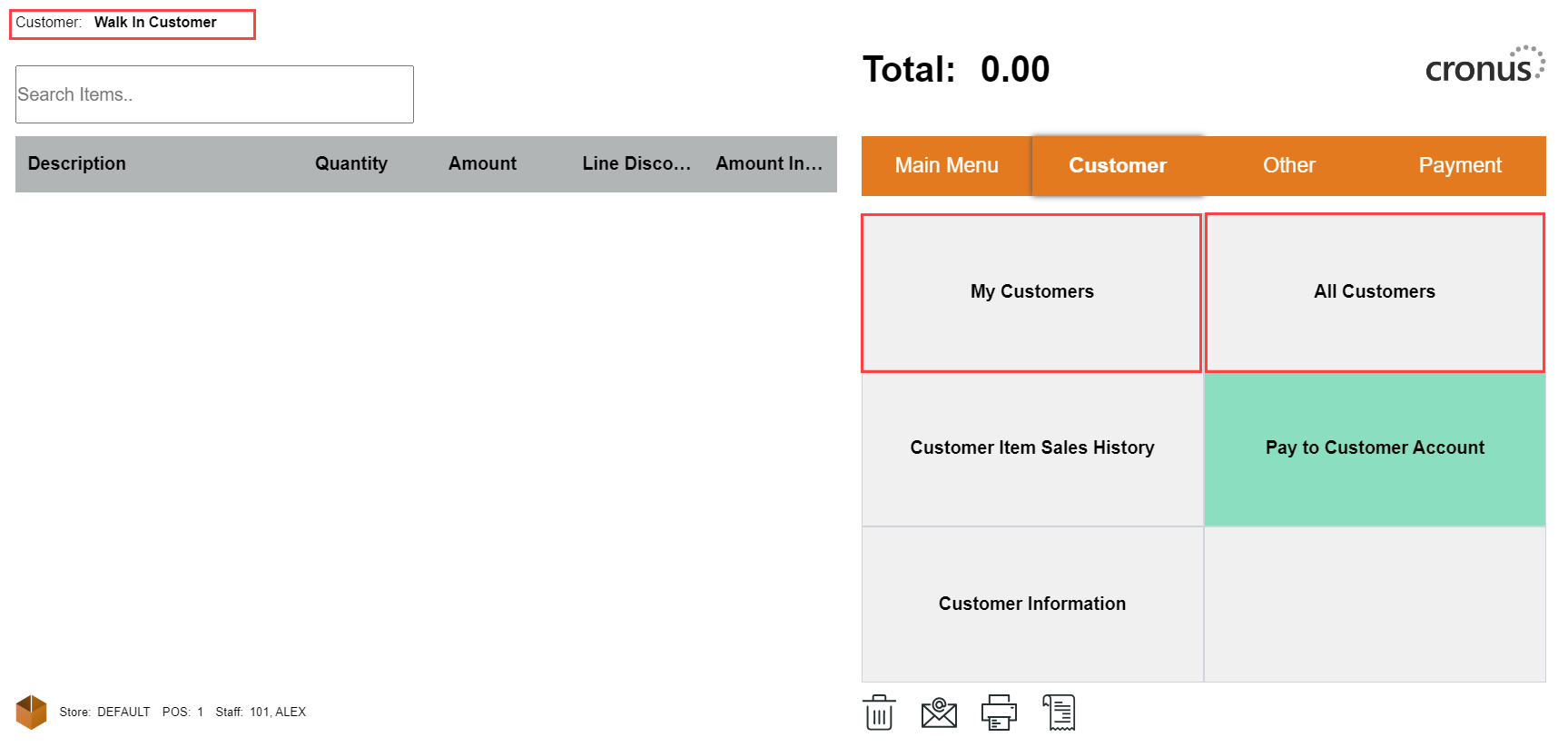
A Walk-In customer is the default customer in the POS system. When a sale is initiated, and no specific customer is selected, the system automatically assigns the sale to the Walk-In customer.
Named Customer
Named customers are those who are registered or identified in the POS system with their relevant information, such as customer ID, name, contact details, and sometimes payment preferences. These customers have their own profiles and can be selected at the time of the sale.
To add a named customer to a sale, the following steps can be taken:
-
Select "All Customers" or "My Customers" button from the Customer menu in the POS.
-
Search for the registered customer from the list or create a new customer profile.
-
Once the named customer is selected, the sale will be associated with their account, allowing the business to keep a record of the transaction under that customer's profile.
It is important to note that the default customer cannot have a Payment Method Code set. This means that the Walk-In customer, being the default, is generally not linked to any specific payment method preference, as it is intended for quick and simple transactions with minimal customer information. On the other hand, named customers can have payment method preferences associated with their profiles, providing them with a more personalized payment experience during the sales process.