Receive Payments
In LS Express, you can easily receive payments using various methods.
How to: Receive Payments on the POS
How to: Receive Payments on the POS
-
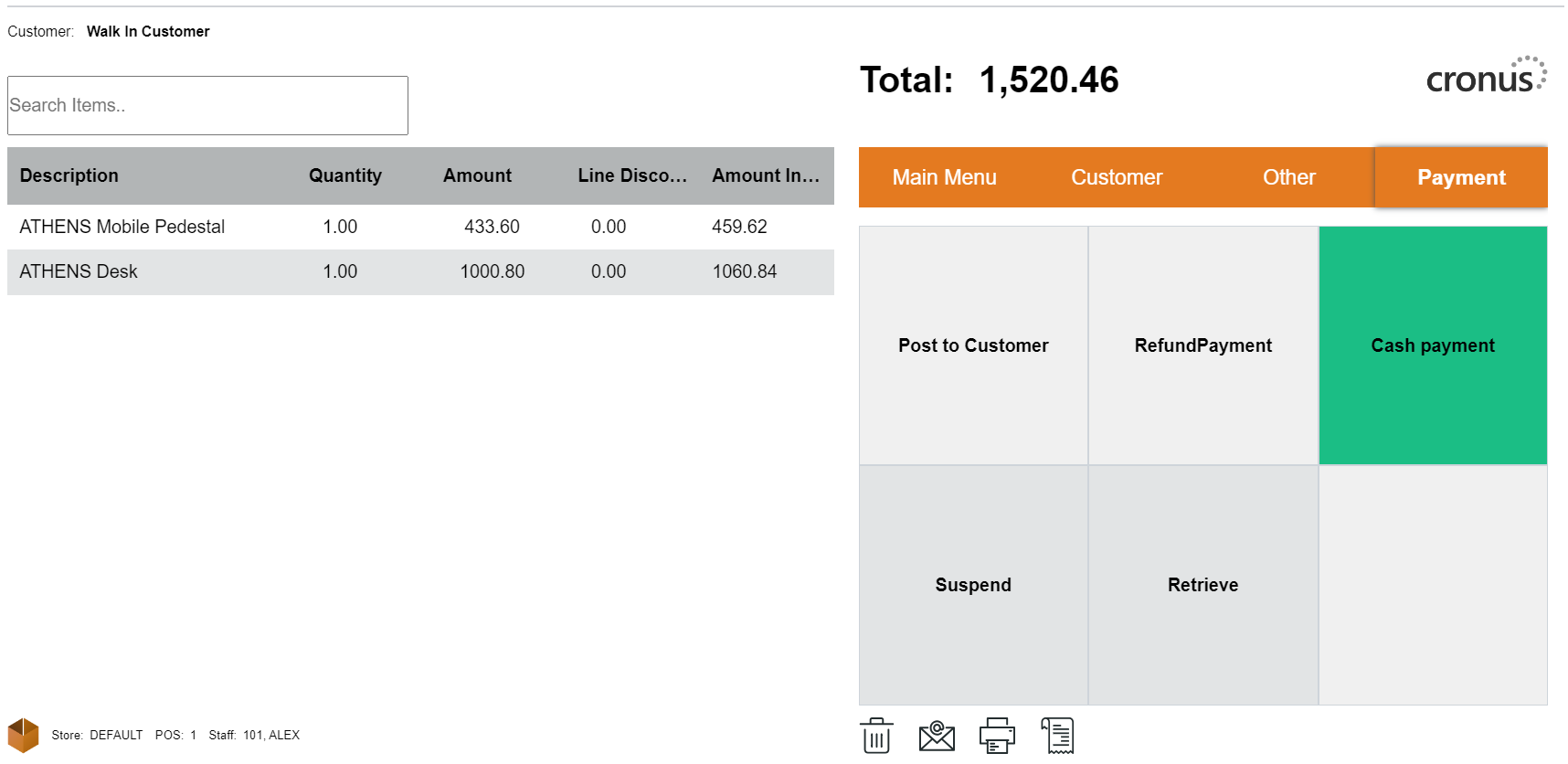
To finalize a sale in the new UI, use the Payment section to proceed.
-
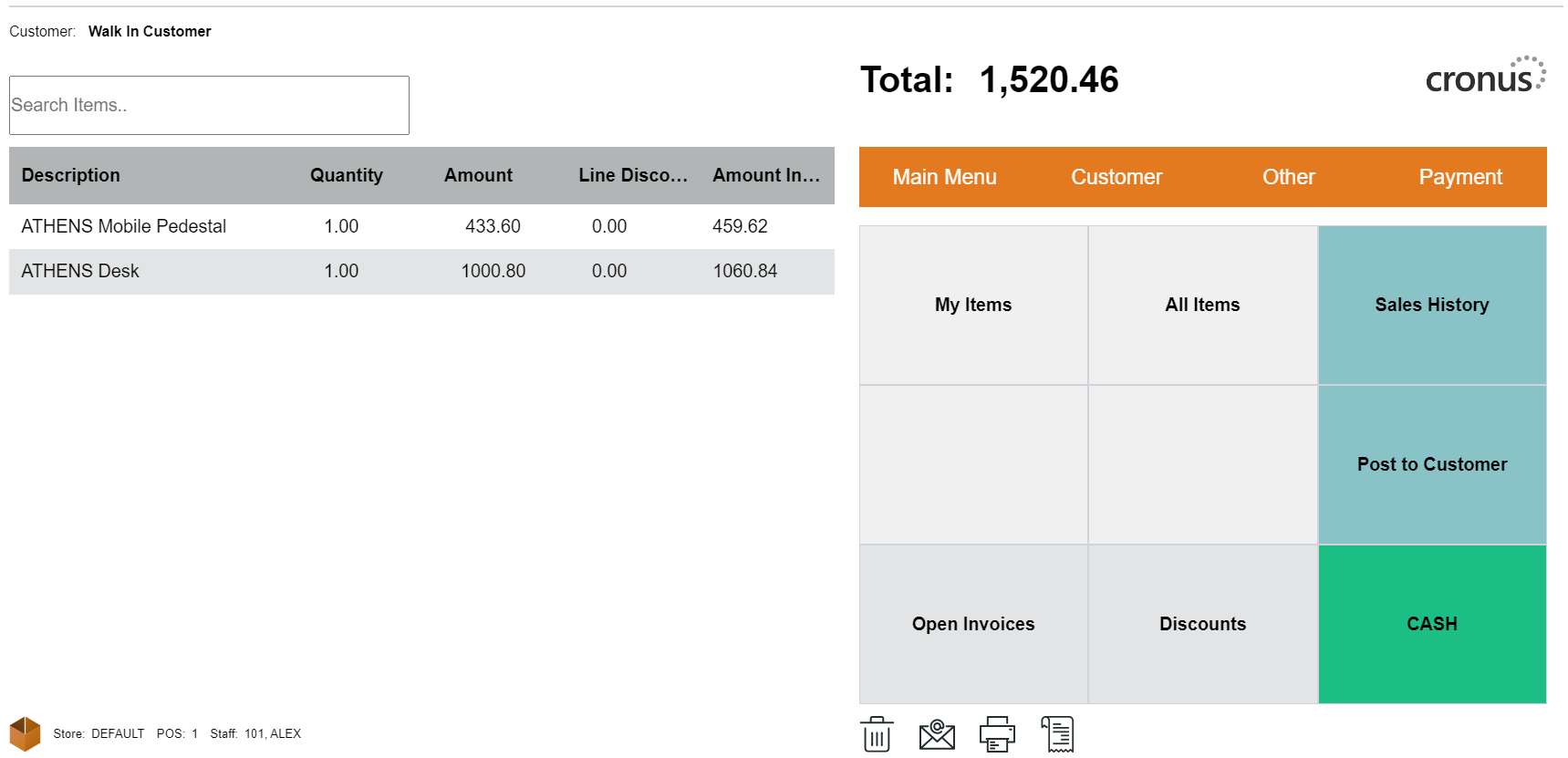
To register a payment, you can either select "CASH" from the Main Menu or choose the appropriate payment method from the Payment menu.
-
Register the payment amount.
-
When the payment fulfills the owed amount, the sale will be posted, and the POS will be ready for the next transaction.
Multiple Payments
It is easy to finalize a sale in LS Express with multiple payment methods.
-
For example, if the total is $150 and the customer wants to split the payment into two methods, select the first payment method, enter the amount, then choose the second payment method. The system will calculate the remaining amount automatically.
Deleting a Payment Line
If a payment was incorrectly registered, you can rectify it.
-
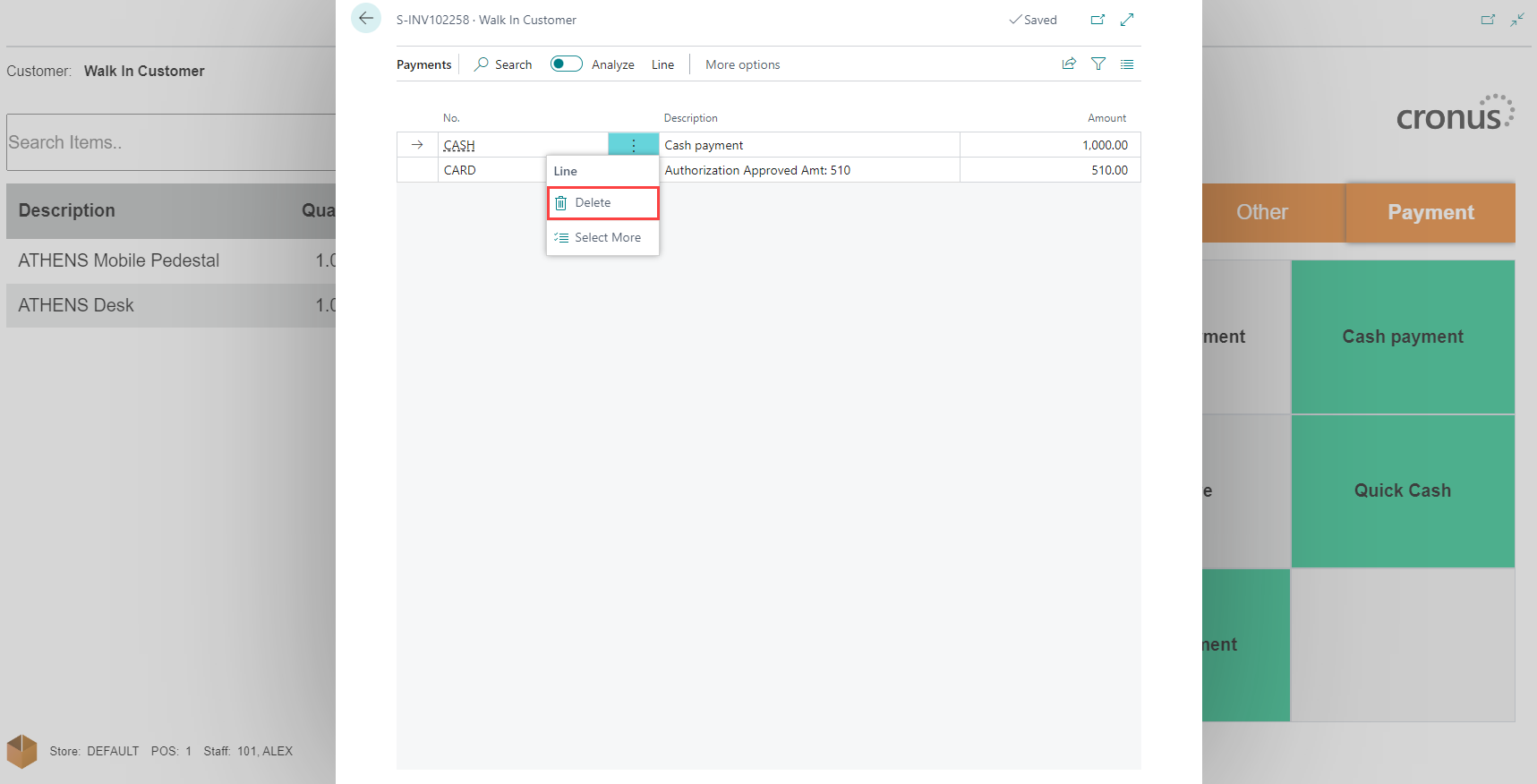
Click the Total Balance button.
-
Delete the incorrect payment entry.
-
Register the correct payment using any available method.
Receive Payments by Gift Card
If you've included the gift card payment method:
-
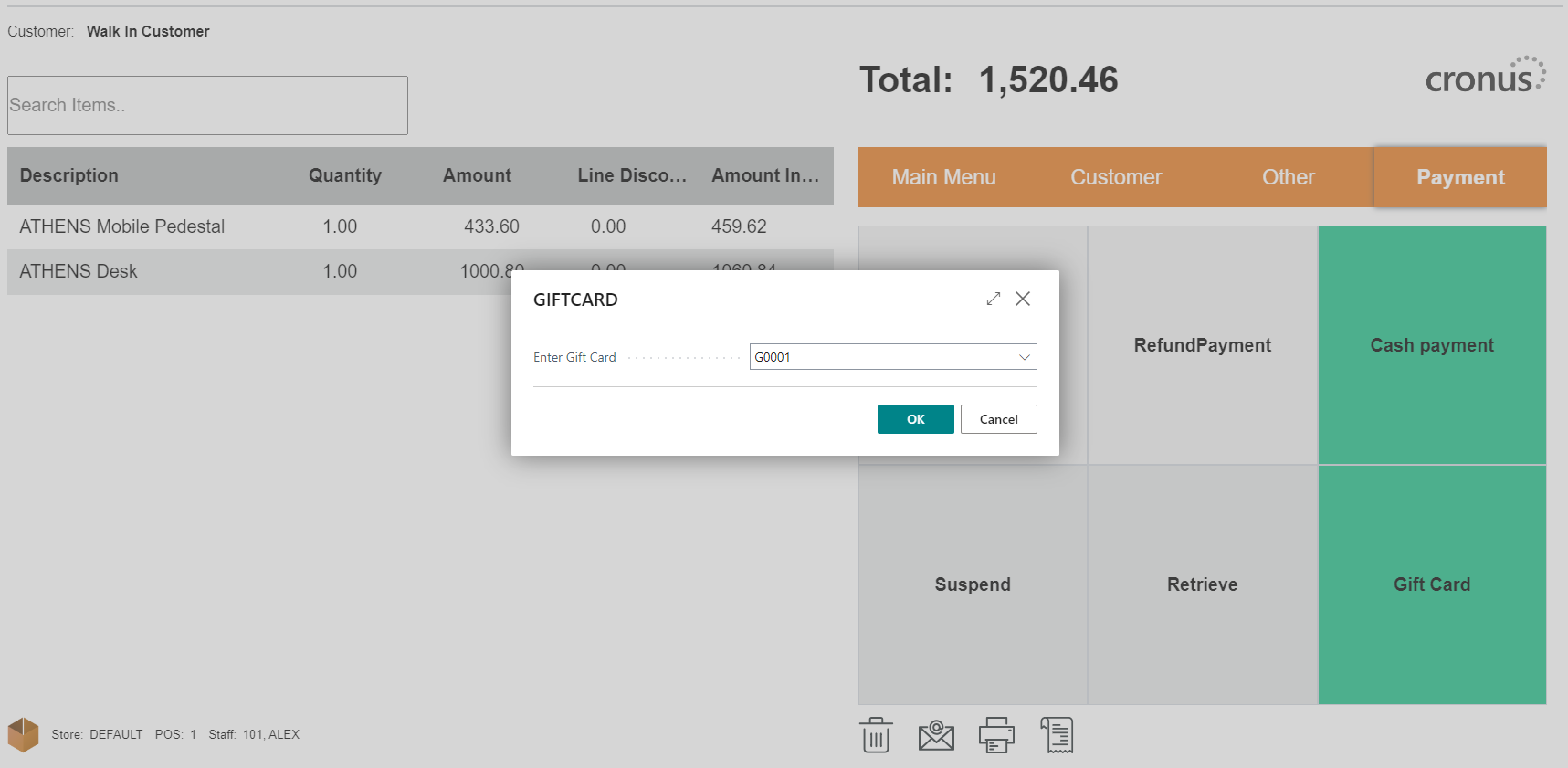
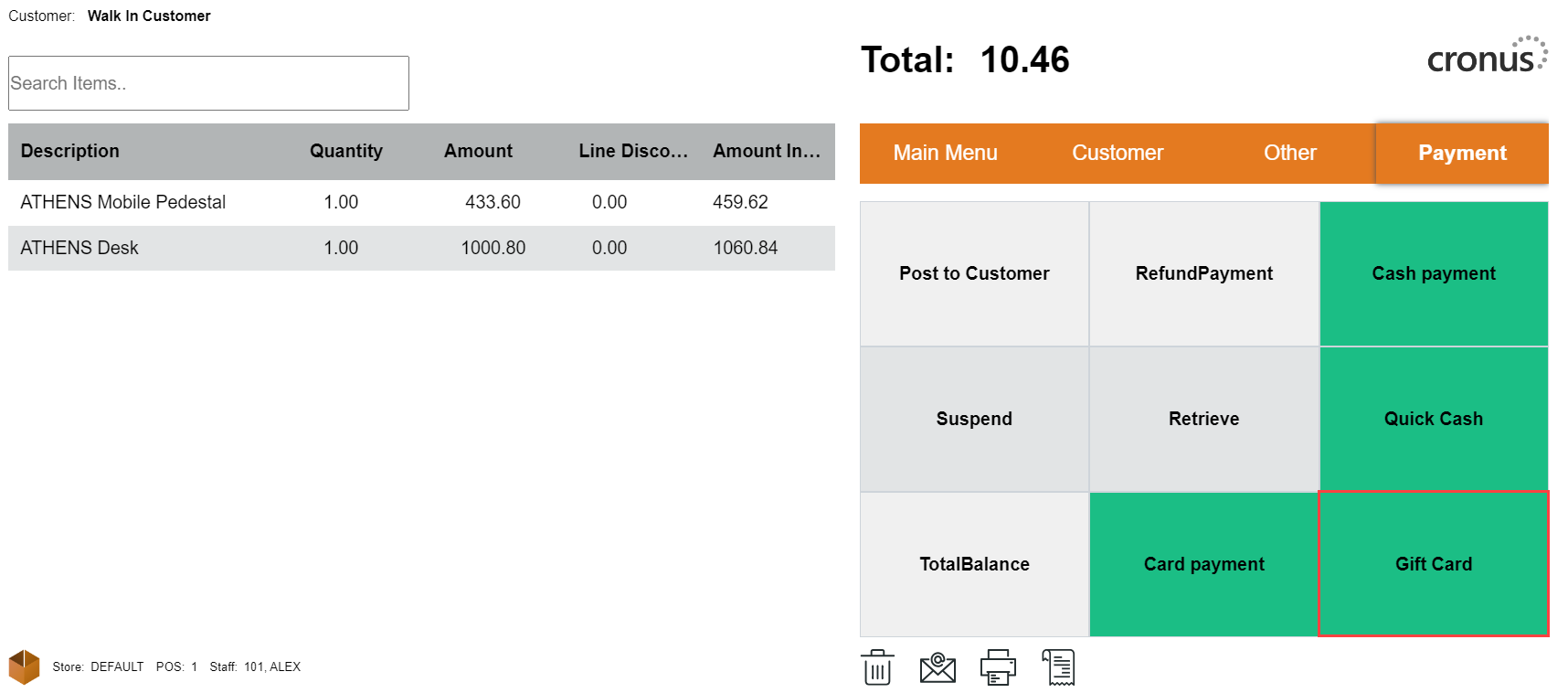
Select the Gift Card payment method.
-
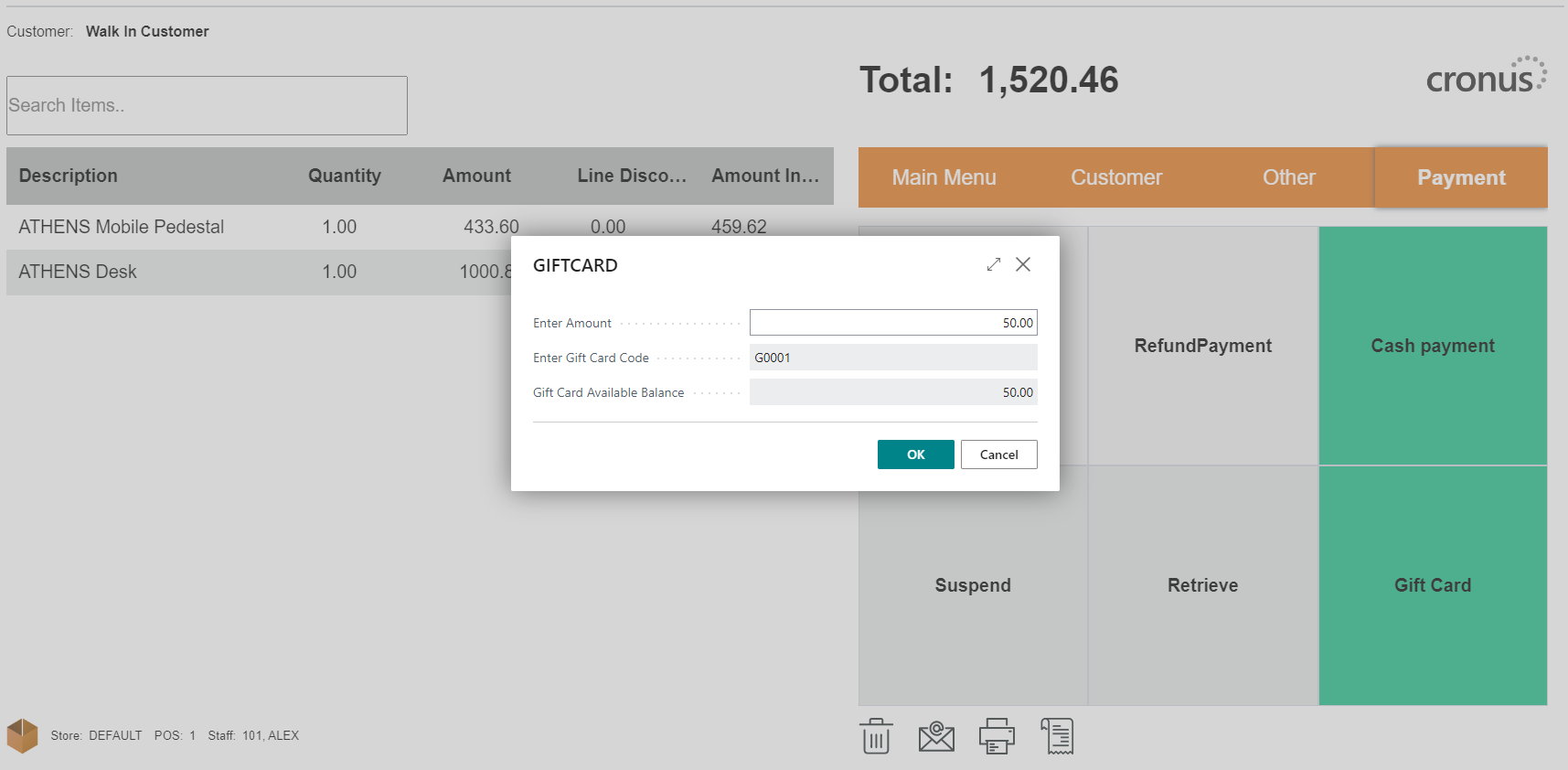
Choose the relevant gift card code and enter the payment amount.