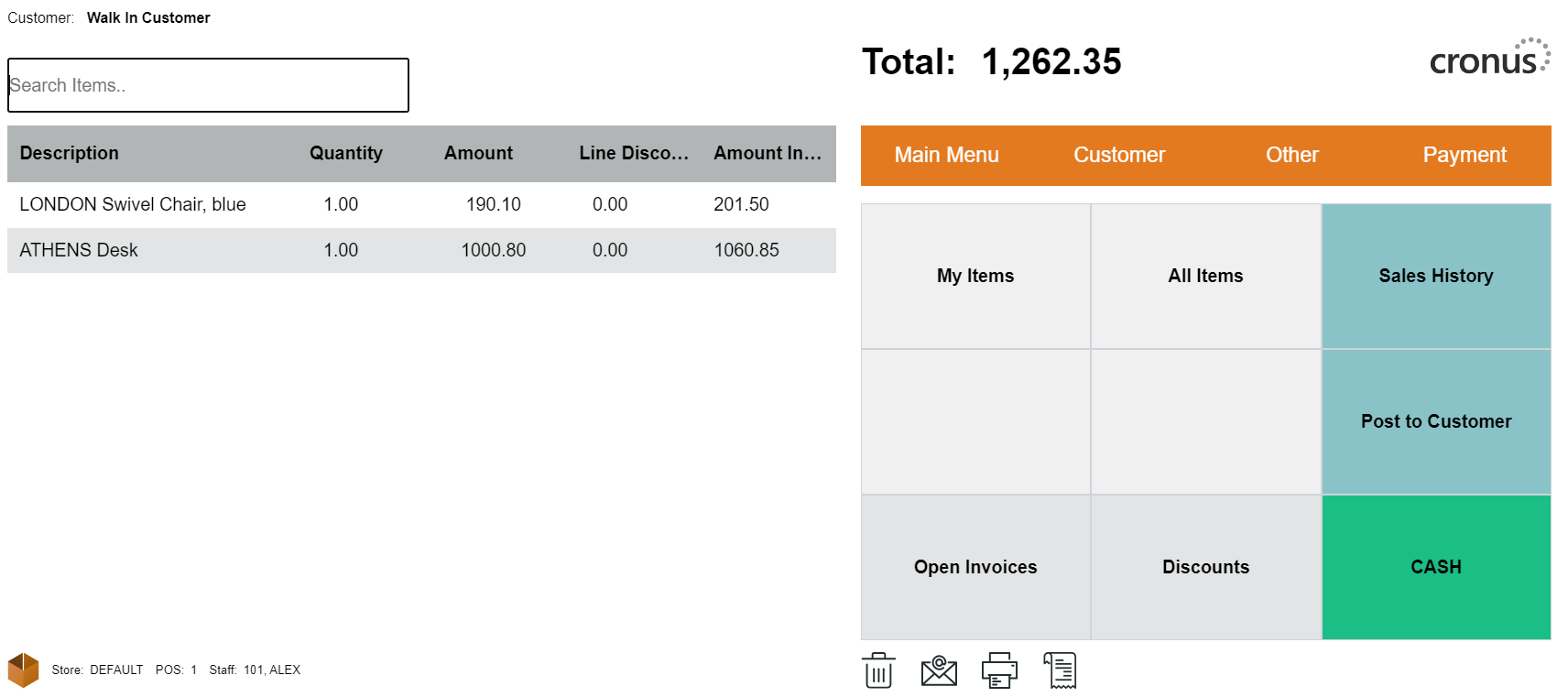
Suspend and Retrieve Sales
How to: Suspend a Sale
-
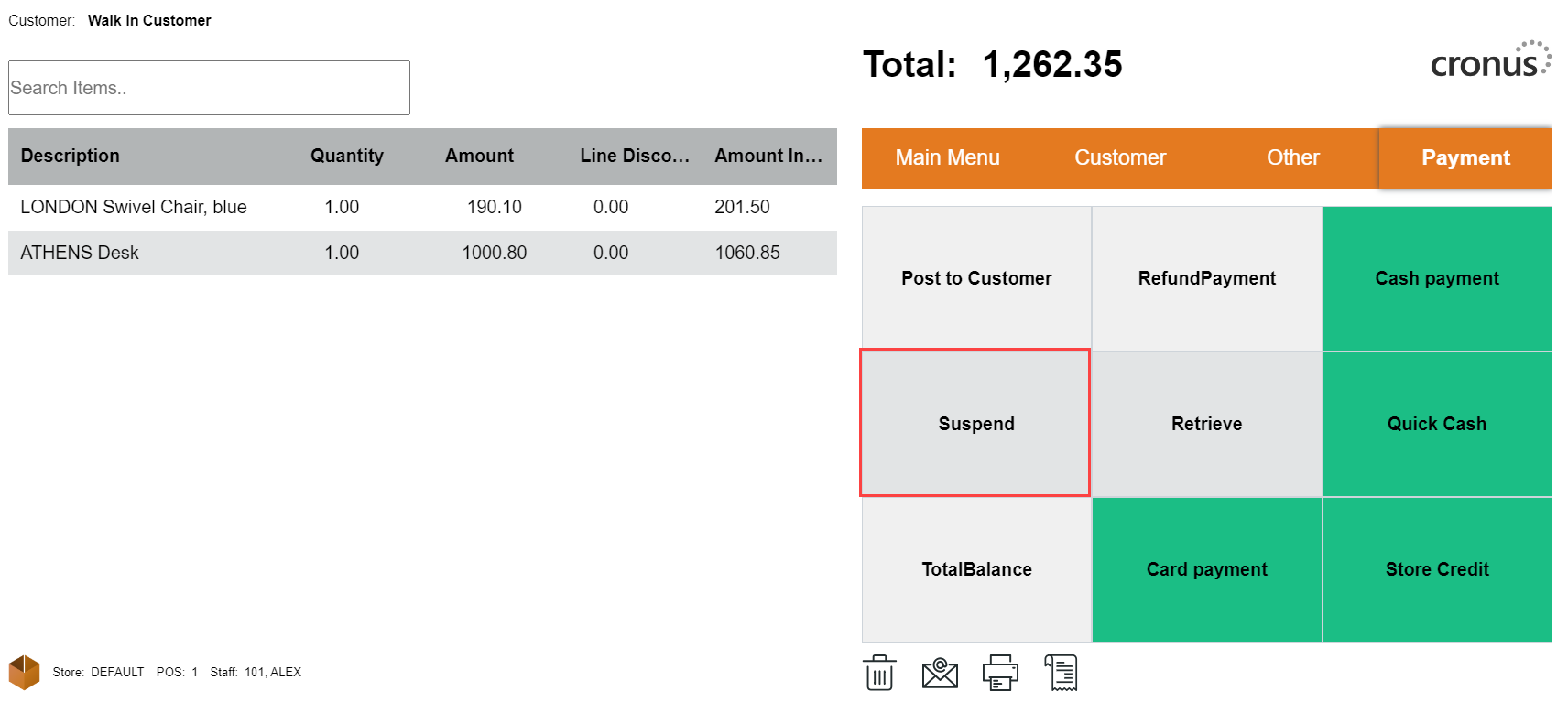
While in an active sale, open the Payment menu and select Suspend.
-
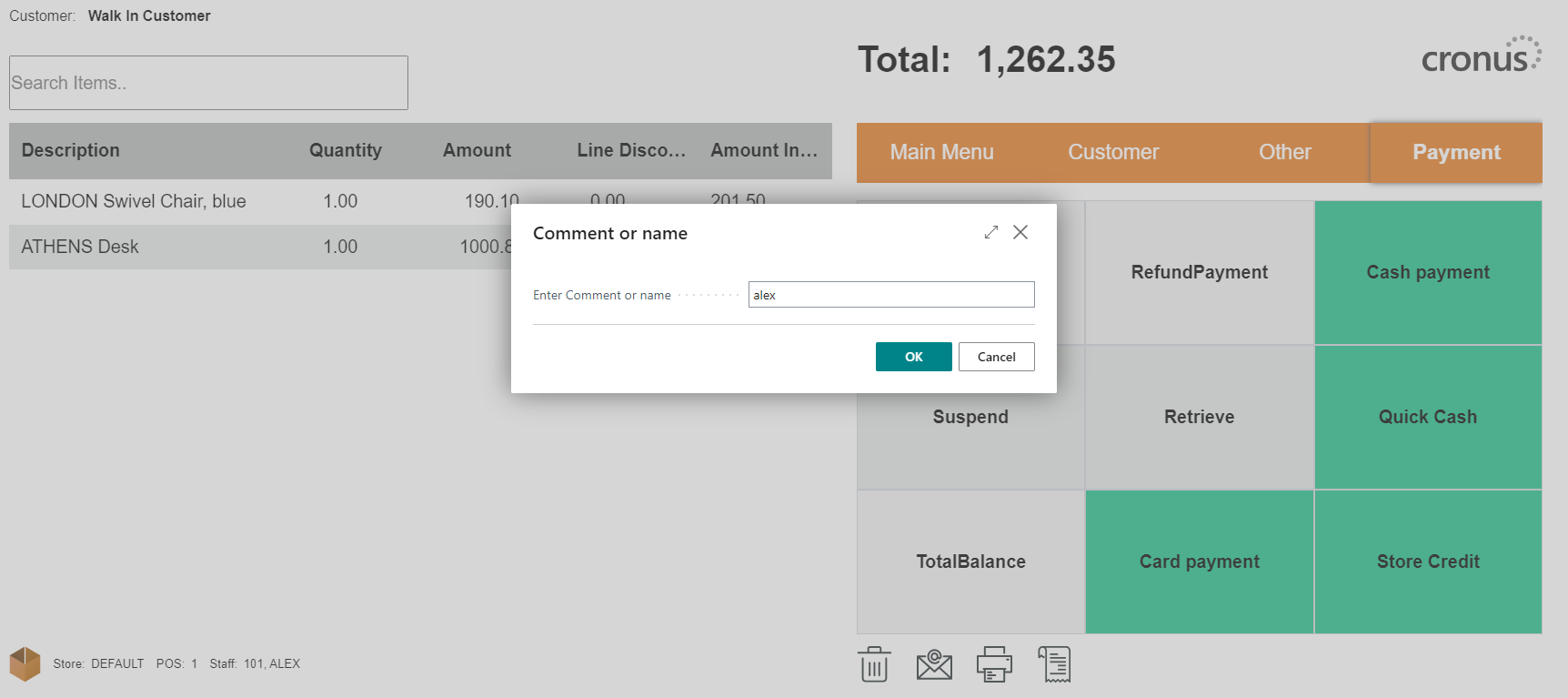
Add a comment or a name, so you can identify your sale when you need to retrieve it back into the POS.
-
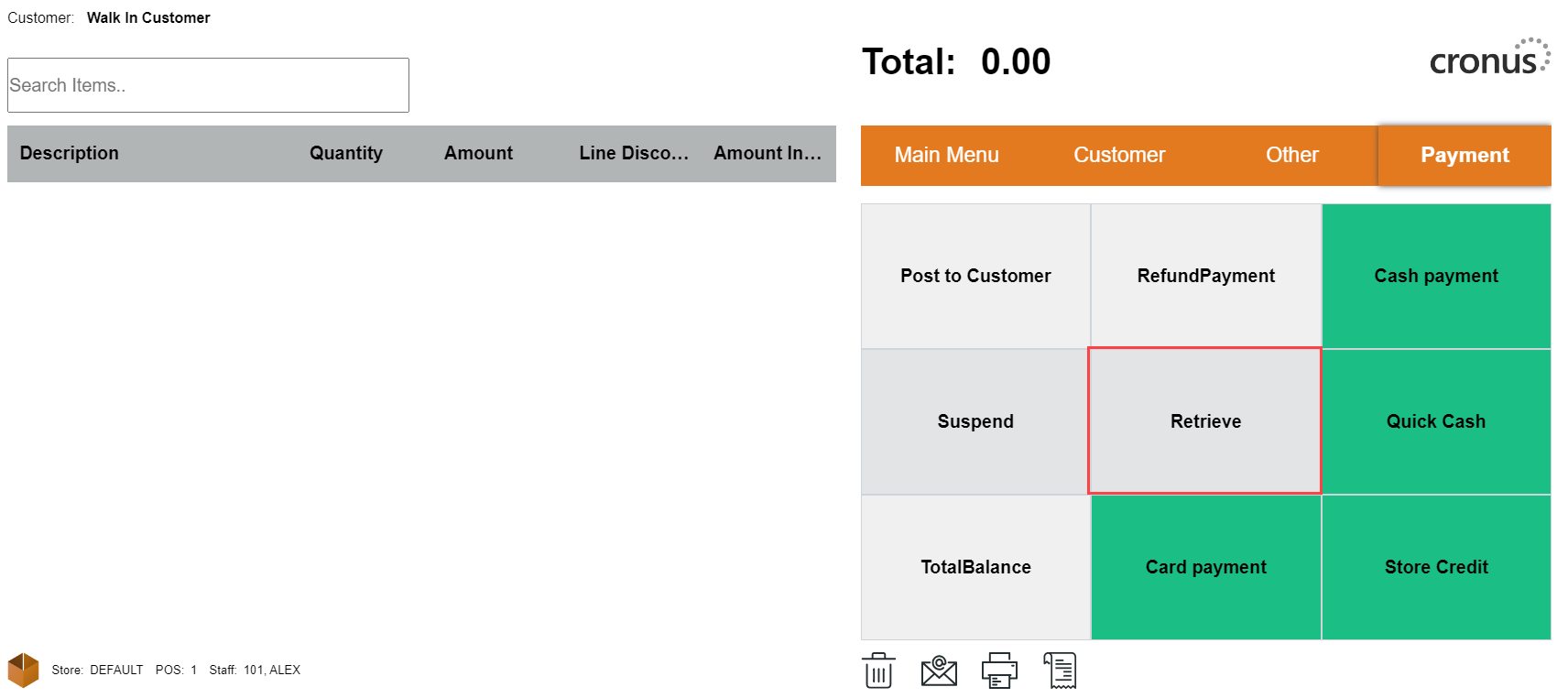
The sale is suspended, and the POS is ready to serve other customers.
How to: Retrieve a Suspended Sale
-
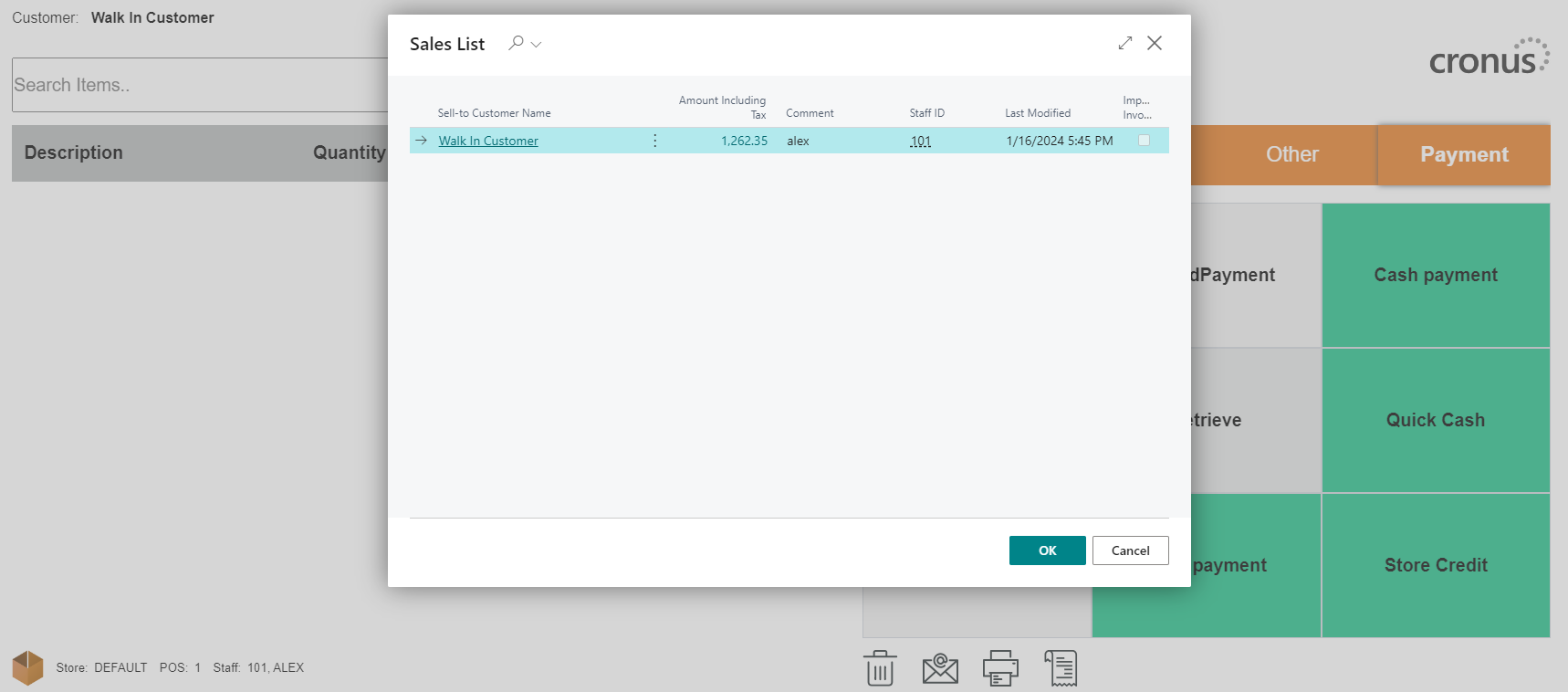
To pull a suspended sale back into the POS, select the Retrieve action.
-
Select which sale to retrieve.
-
Once the selected sale has been retrieved, it can be finalized like any other sale.