Payment Methods
LS Express offers various payment methods, and a default cash payment method is automatically created during the setup process.
-
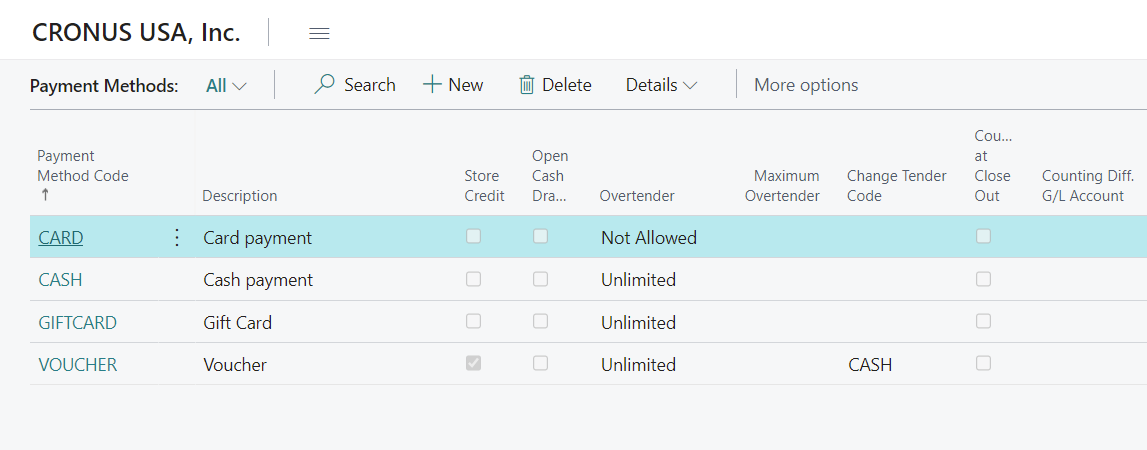
To add a new payment method, open the Payment Methods page.
-
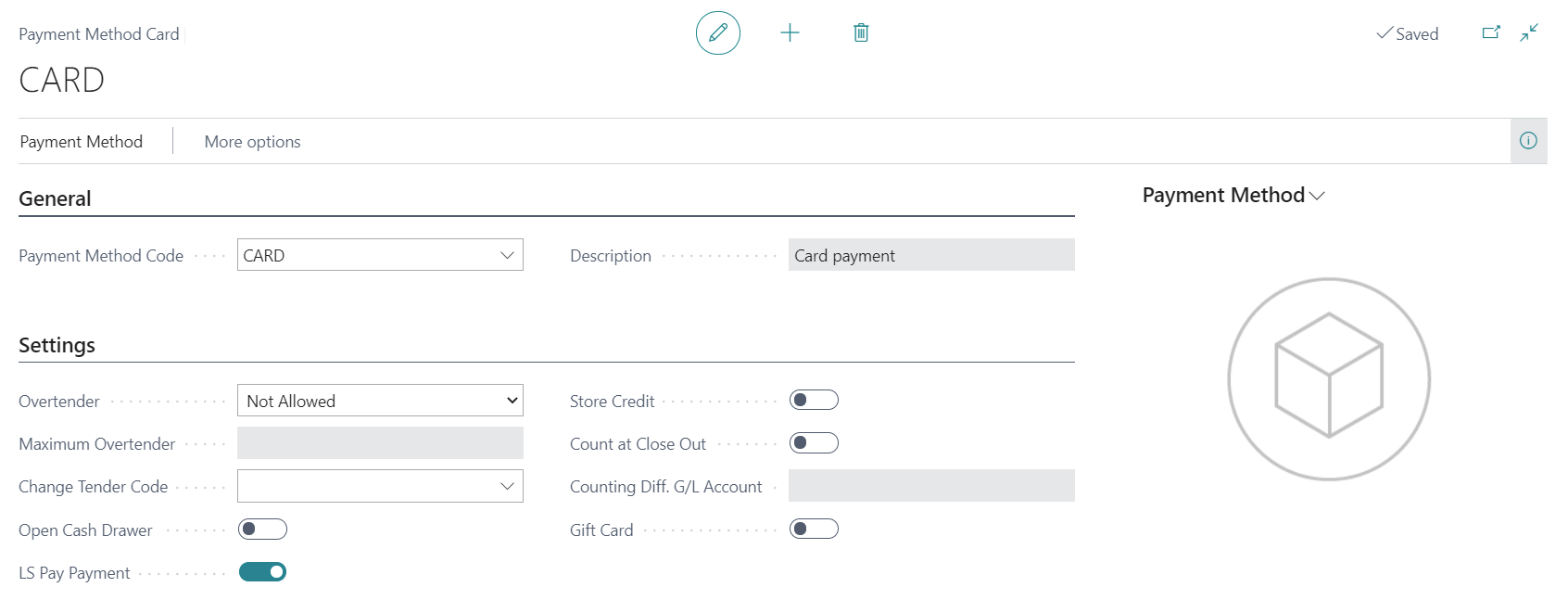
Each payment method must have a code and a description. You can also enable additional functionalities, such as LS Pay payment, Gift card, and Store Credit for use in the Point of Sale (POS).
-
Additionally, you can configure options such as Overtender, Change Tender Code, Open Cash Drawer, Count at Close, Surcharge %, and Rounding Precision, specifying whether they should be allowed or combined with other settings. For the full list of fields, see Payment Methods under Setup.
-
The Per Payment Limit field allows you to define the maximum amount that can be paid using this payment method in a single transaction.