Start of Day - Add to Drawer
You can add starting cash to a drawer at the beginning of the business day in LS Express.
-
Open the POS Sales page.
-
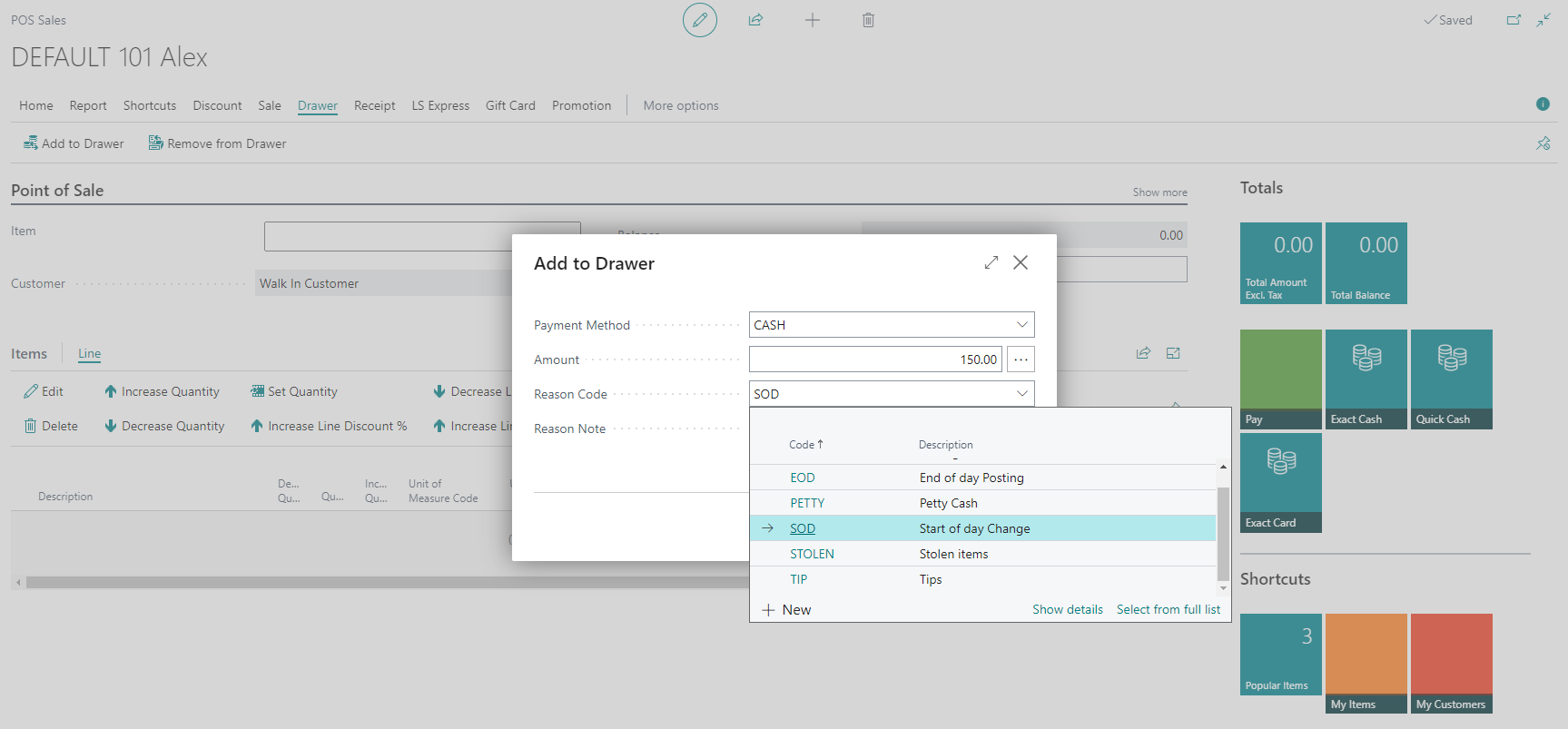
Select Drawer > Add to Drawer.
-
When prompted, select Cash as the payment method, and then enter the amount of change to add to the drawer. This amount can be used as the starting cash float for the day.
-
Select a Reason Code that explains why the cash is being added. For example, select SOD – Start of Day Change.
-
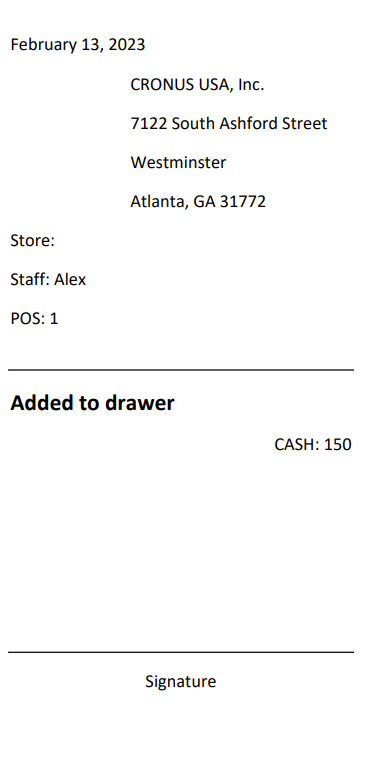
If you wish, you can print a receipt for the cash addition. This receipt will serve as a record of the transaction for your reference.