Manage a Fiskaly Client
A Client ID identifies each store in the Fiskaly system. From the Fiskaly Client page, you can generate a Client ID for a store, refresh its status from Fiskaly, or de-register it so the store's POS can be reassigned to a different TSS.
Generate a Client ID
Before generating a Client ID, ensure that a TSS ID has been created for the store. See Create a TSS.
To generate a Client ID:
-
On the Fiscalization Setup page, select Client.
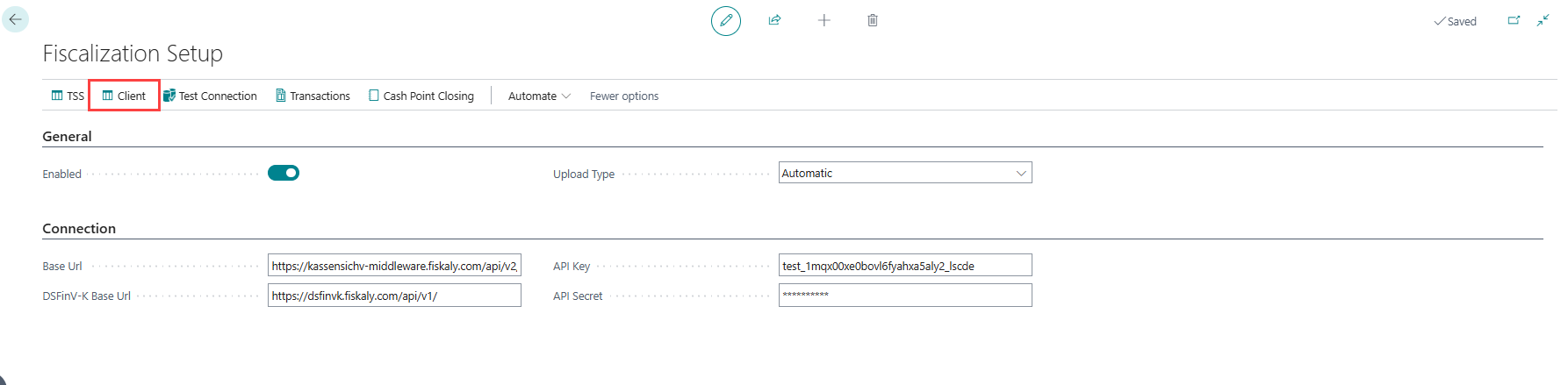
-
The Fiskaly Client page opens.
-
Select the TSS ID created for the store.
-
Select Generate Client ID to create and register a new Client ID for the store.


Refresh the client status
Once a client has both a Client ID and a TSS ID, use Refresh Client Status on the Fiskaly Client page to update its status and the TSS status from Fiskaly. Refresh the status before de-registering a client if its status is not yet known locally.

De-register a client
De-register a client to release its Client ID so the store's POS can be linked to a different TSS. On the Fiskaly Client page, select the client and select Deregister Client. This action is available once the client has a Client ID.

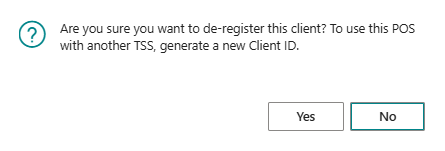
De-registering is blocked while:
- the client or a dependent cash register still has open Fiskaly transactions;
- the client or a dependent cash register has unsettled cash point closings;
- sales exist that are not included in a completed cash point closing; or
- a dependent cash register has not been de-registered first.
When none of these apply, you are asked to confirm the action, since de-registering is irreversible for that Client ID:
- If Fiskaly still accepts the de-registration request, confirming sends it to Fiskaly and then clears the local Client ID and TSS link, deactivating the associated cash register.
- If Fiskaly already reports the client as deregistered, or the TSS no longer accepts client updates, you are instead asked to confirm clearing the local link only, so the POS can be reassigned to a new TSS without contacting Fiskaly again.
Note: After de-registering a client, generate a new Client ID (see Generate a Client ID above) to link the store's POS to a different TSS.