How to: Add an Item to the POS
There are several ways to add an item to the sale:
Type the Item Description or Item Number
Sell a Gift Card to a Customer
Type the Item Description or Item Number
-
You can manually type the item description or item number in the search field. As you type, the system will suggest matching items based on your input. You can select the desired item from the list to add it to the sale.

Use the Menu
There are two default item menus available in the POS: "My Items" and "All Items."
-
"My Items" are the items that the user has added to their personalized list in the role center.
-
"All Items" lists all items available in the system. You can search and select items from this menu.
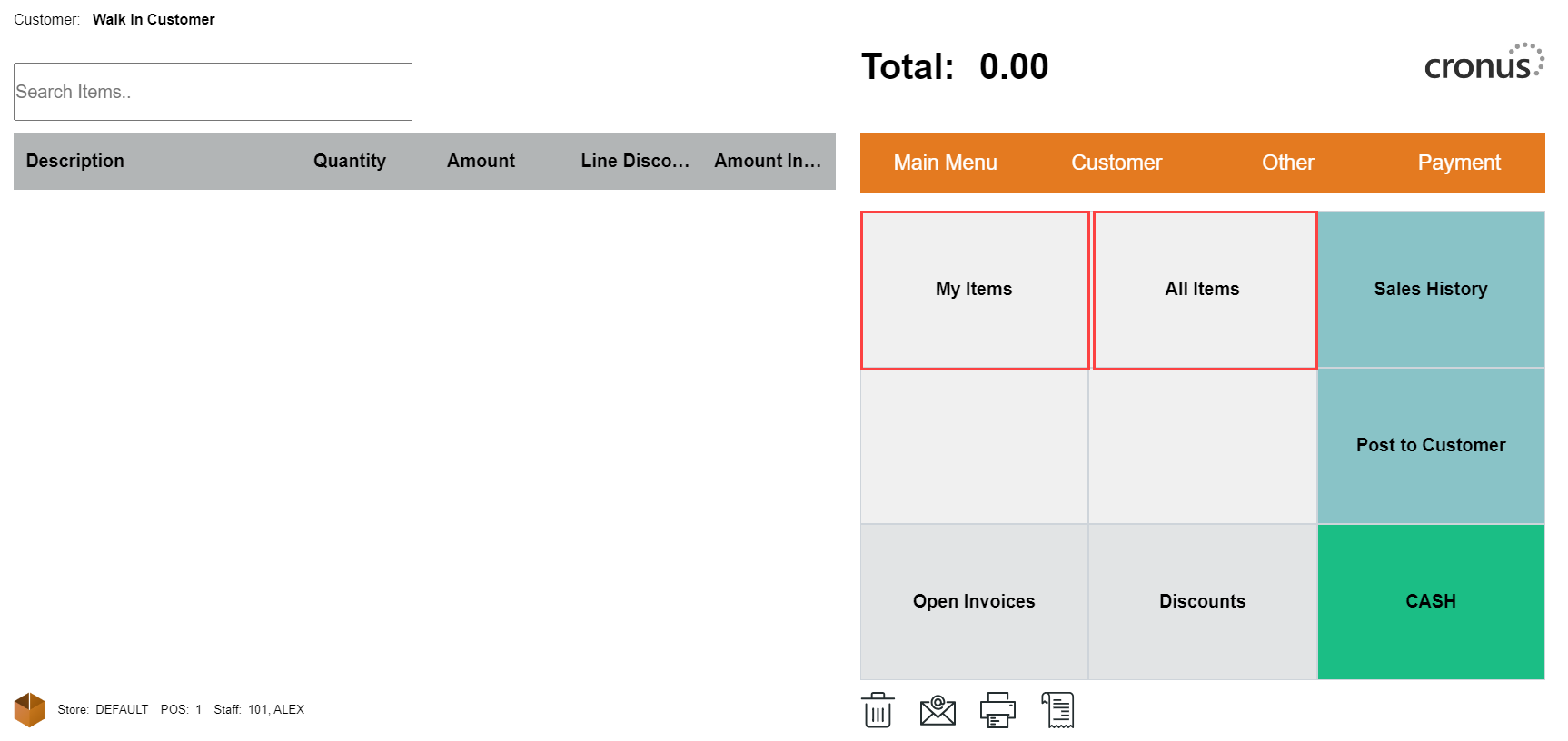
The menus show the item, the quantity on hand and the item price excluding tax. To add an item from the menu, simply select the item(s) you want to add to the sale.

The Item card can be accessed from the Item list by simply selecting the item and go to Details tab, and from there, select Open Item Card.

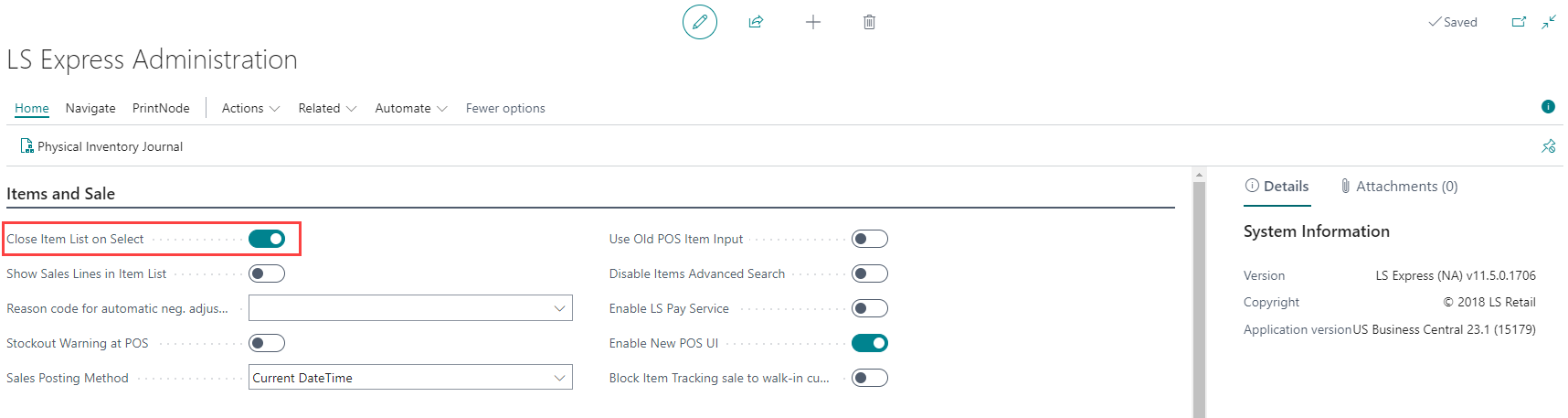
How to: Close Item List on Select
-
On the LS Express Administration page, you can set the POS item list to close after selecting one item by enabling the toggle.
Scan a Barcode
-
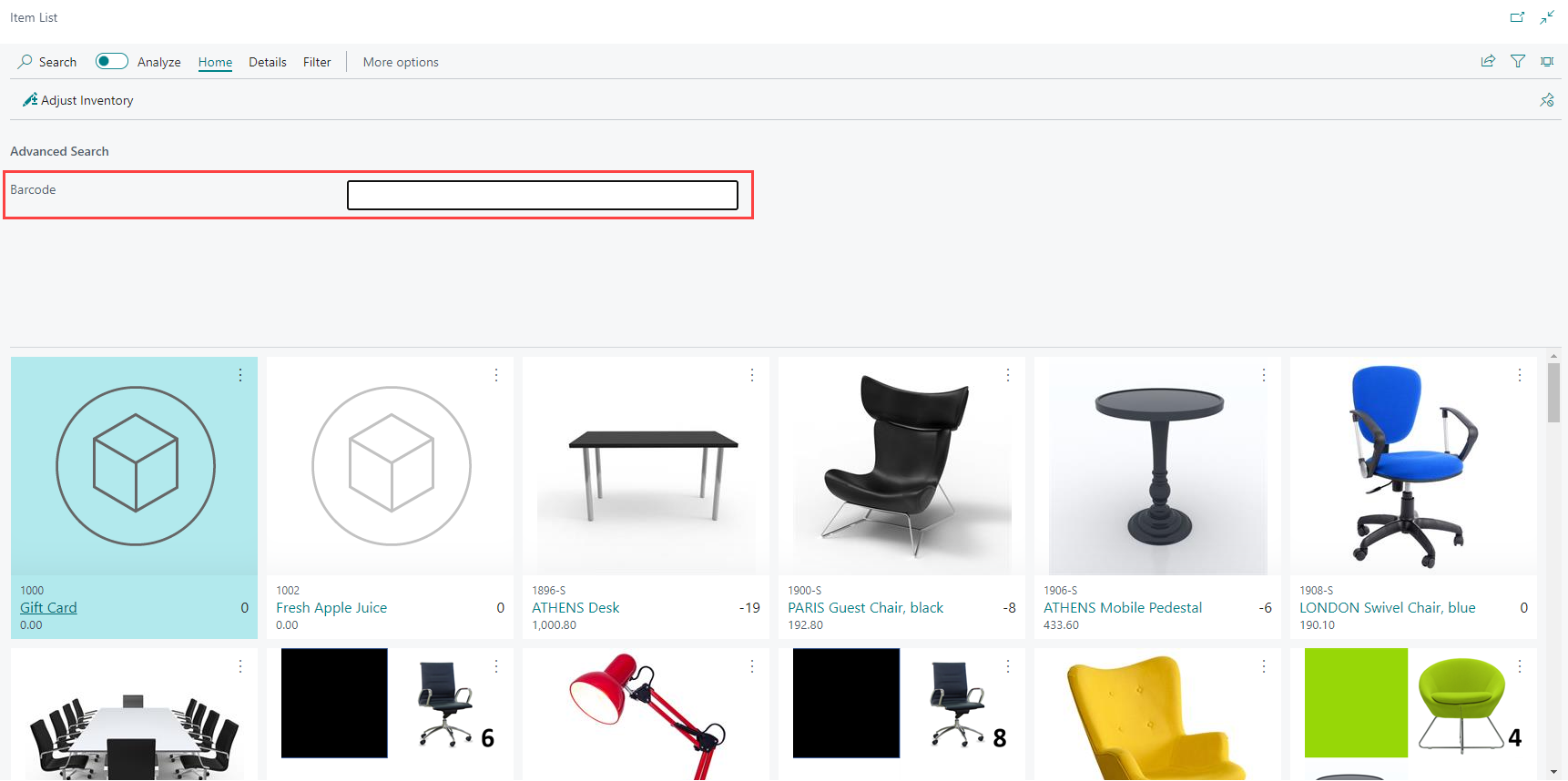
If you have a barcode scanner, you can directly scan the item's barcode either in the item search field or within the advanced search tab. When the scanned barcode corresponds to a specific item, LS Express will automatically add that item to the sale. See Barcodes for more information on how to set up the barcodes.
How to: Disable Item Advanced Search
-
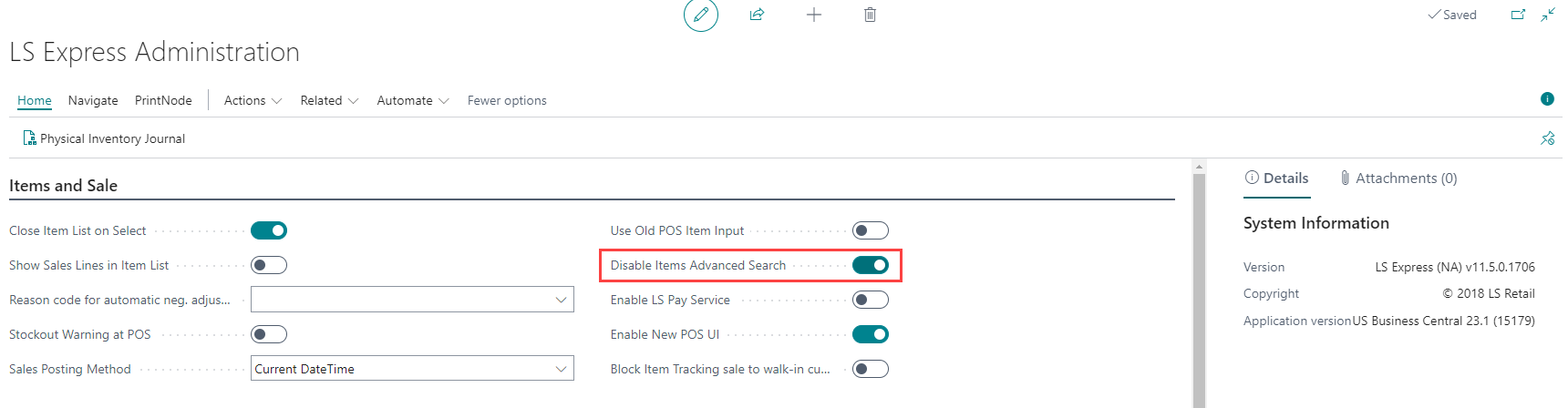
On the LS Express Administration page, you can disable advanced search in the item list by enabling the toggle.
Sell a Gift Card to a Customer
-
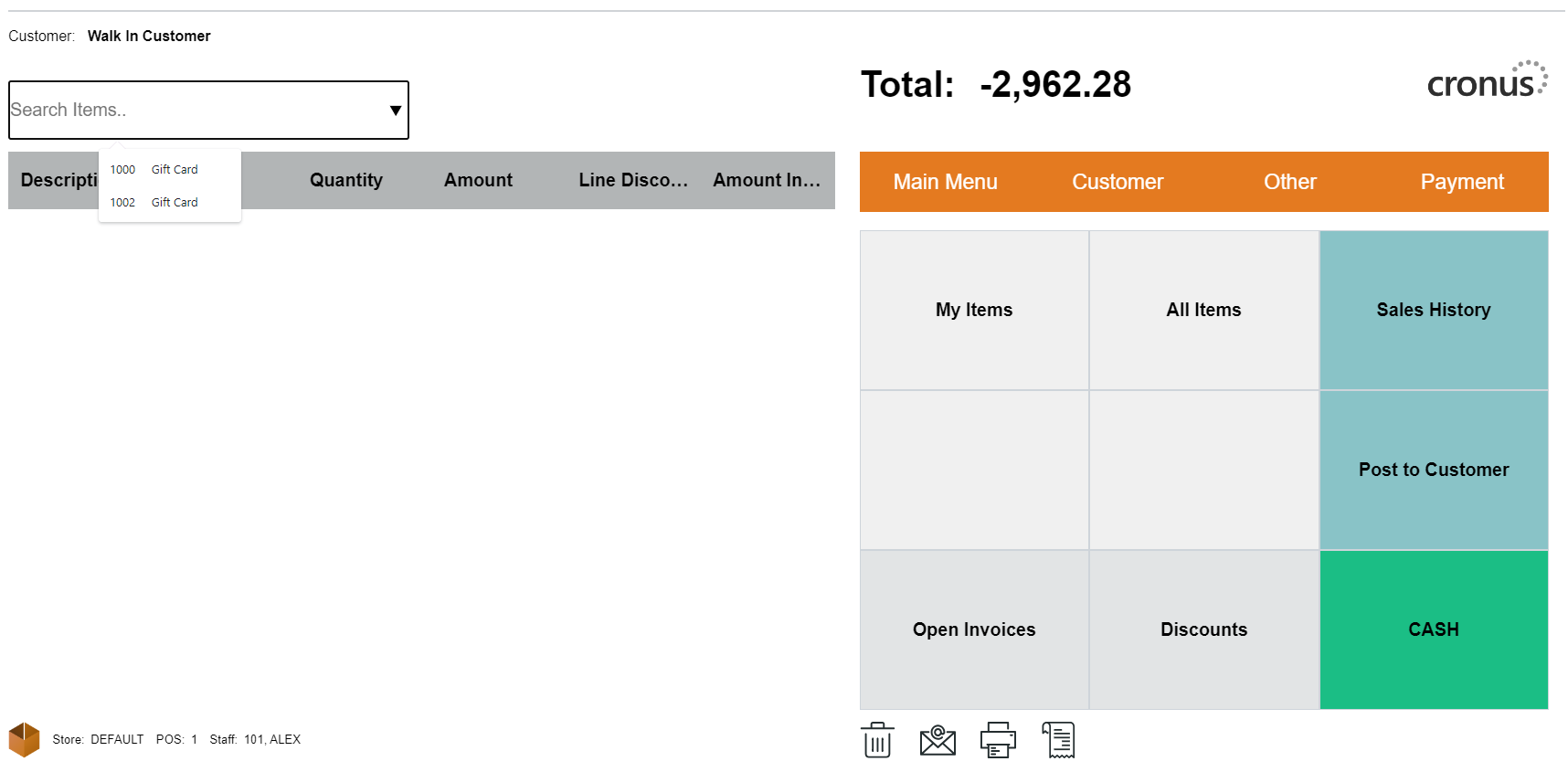
To sell a gift card, select the "Gift Card" that you have configured as a non-inventory item.
-
Enter a unique Gift Card Code and the requested Amount for the gift card.
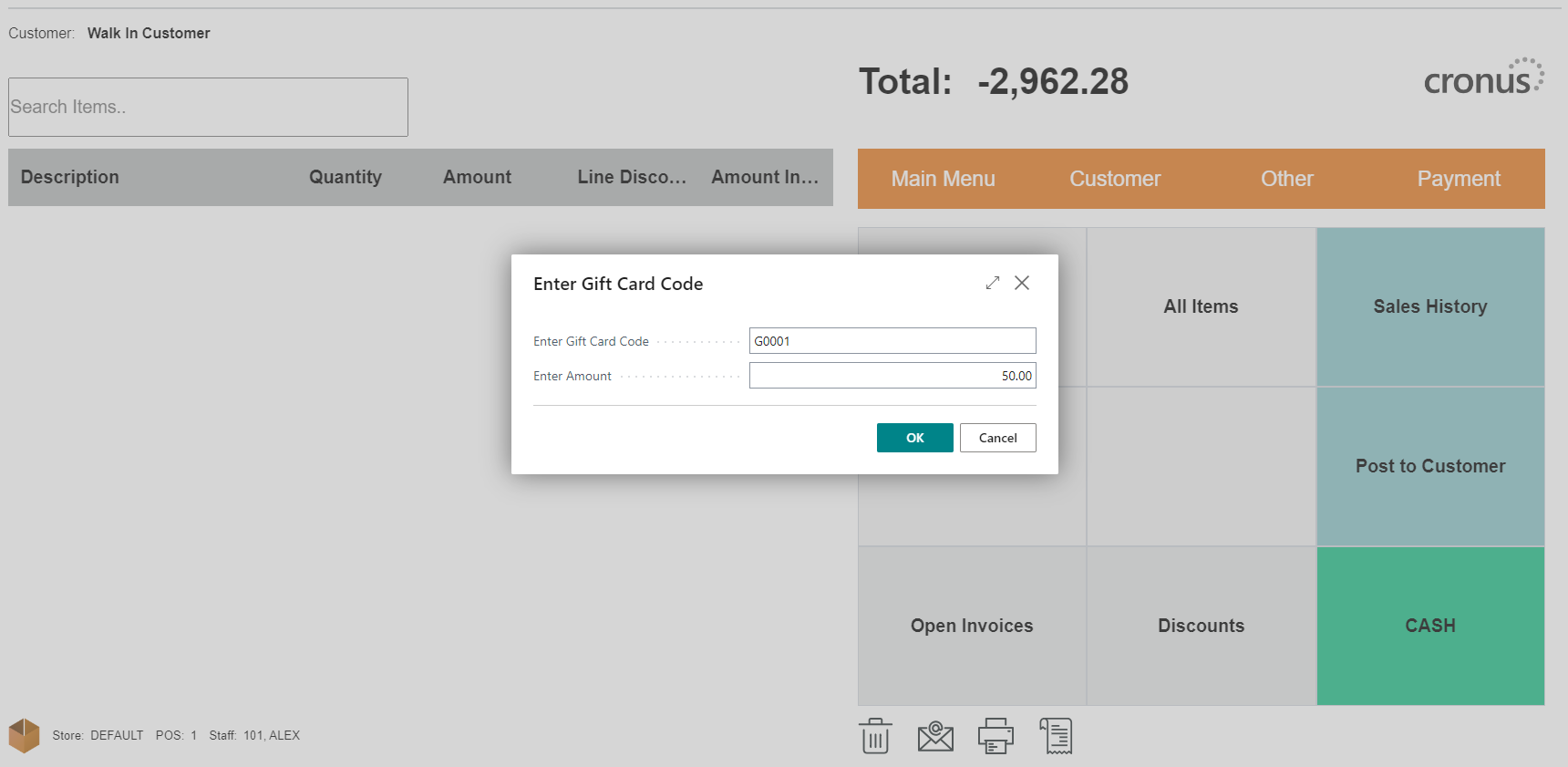
Note: We recommend that you choose your own code for gift cards.
-
Click the OK button to add the gift card to the sales line.
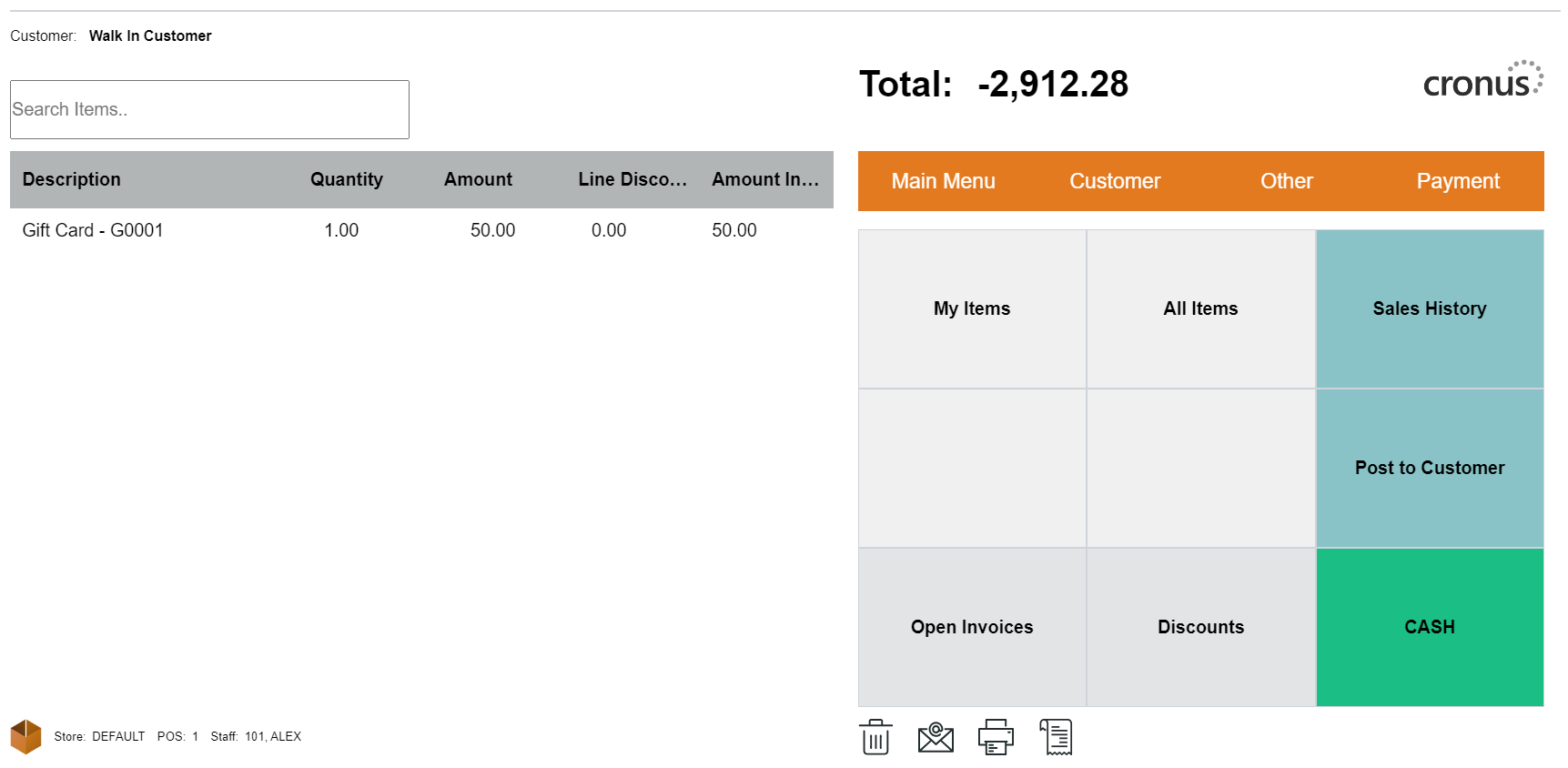
-
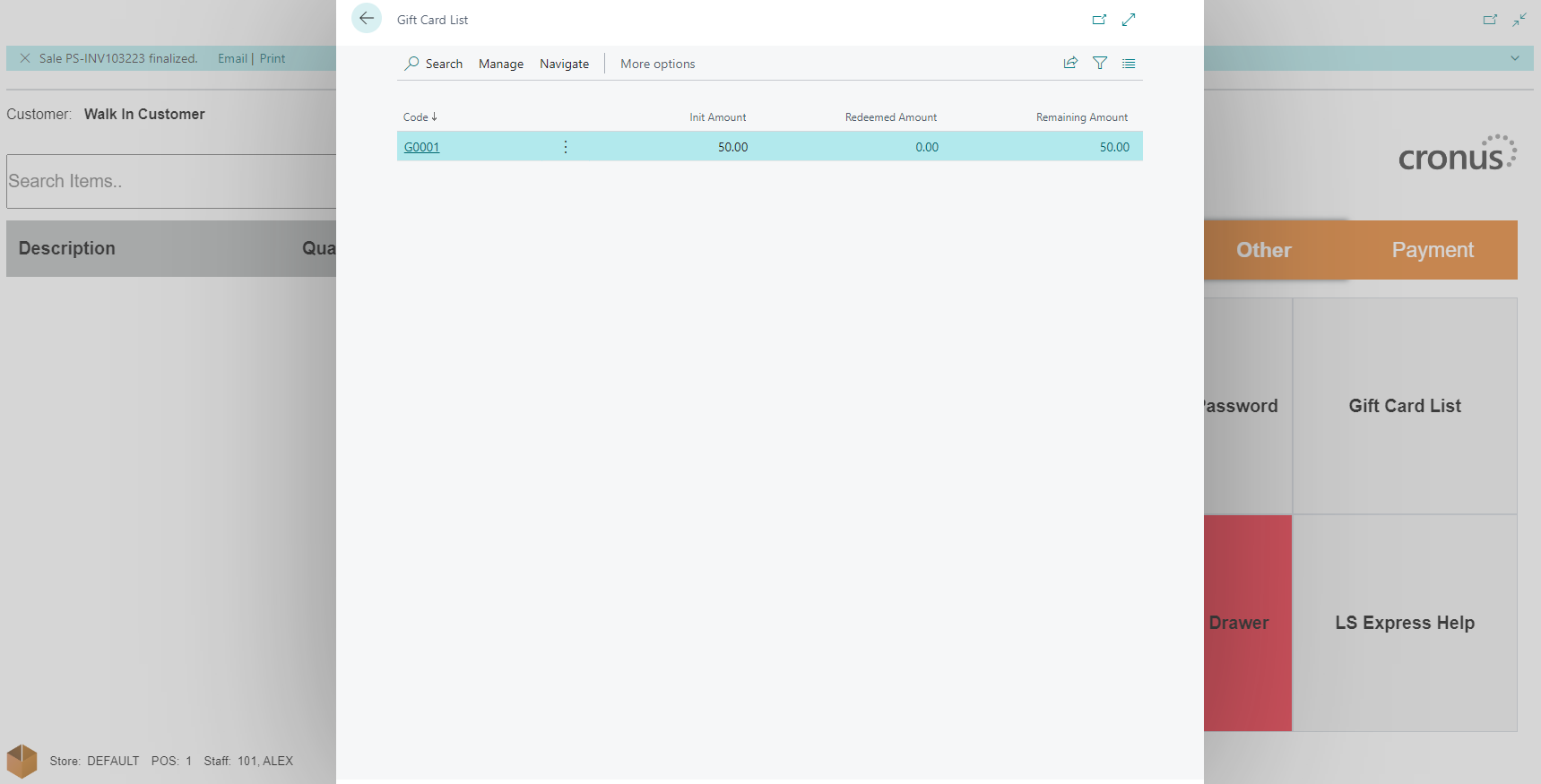
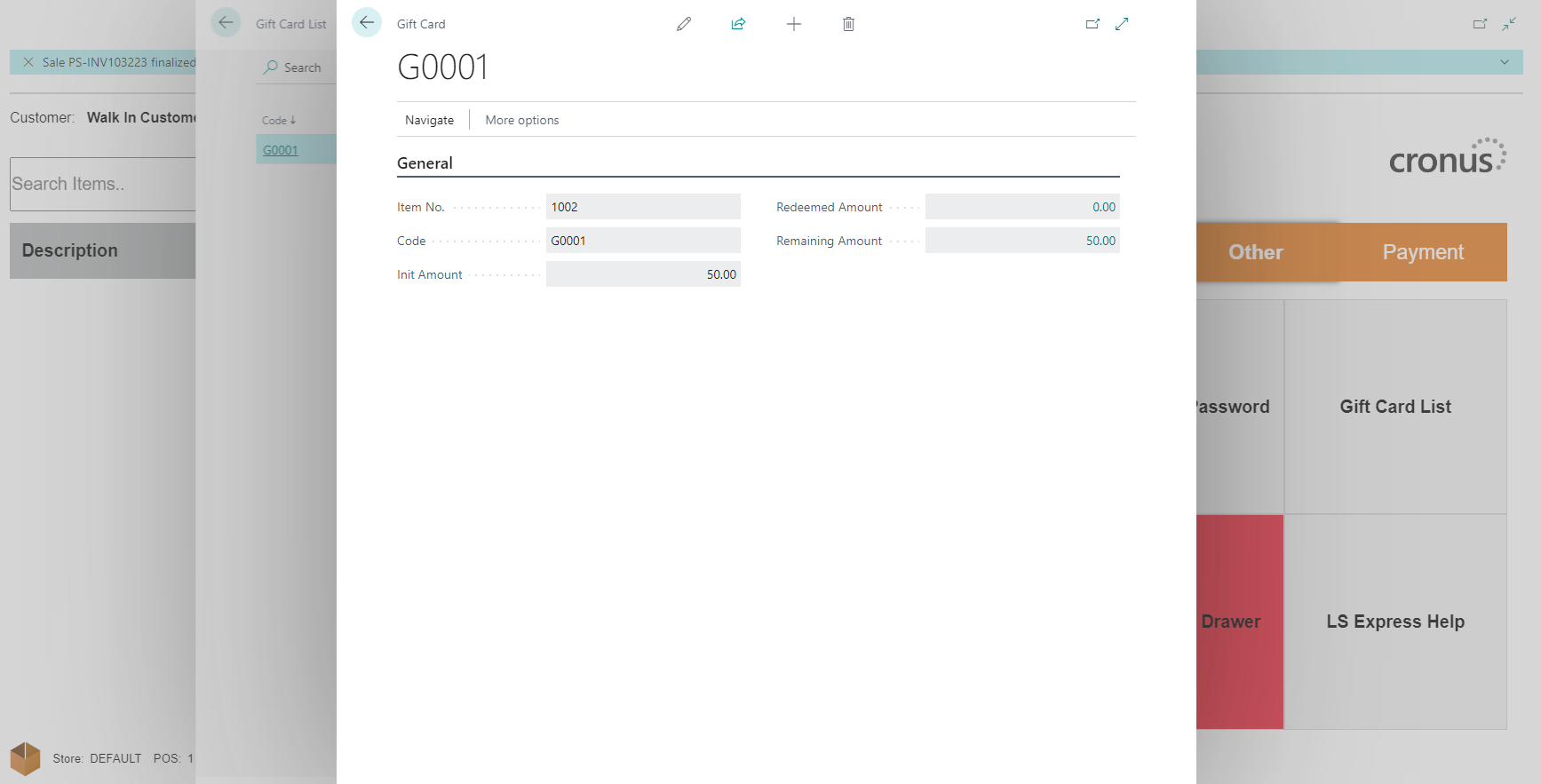
After payment posting, the system will create a new gift card. See Gift Card List.