How to: Use the LS Pay
Once LS Pay has been set up, the app is easy to use. You can use the POS, as usual, then select the payment associated with LS Pay.
How to: Accept a Payment with LS Pay
-
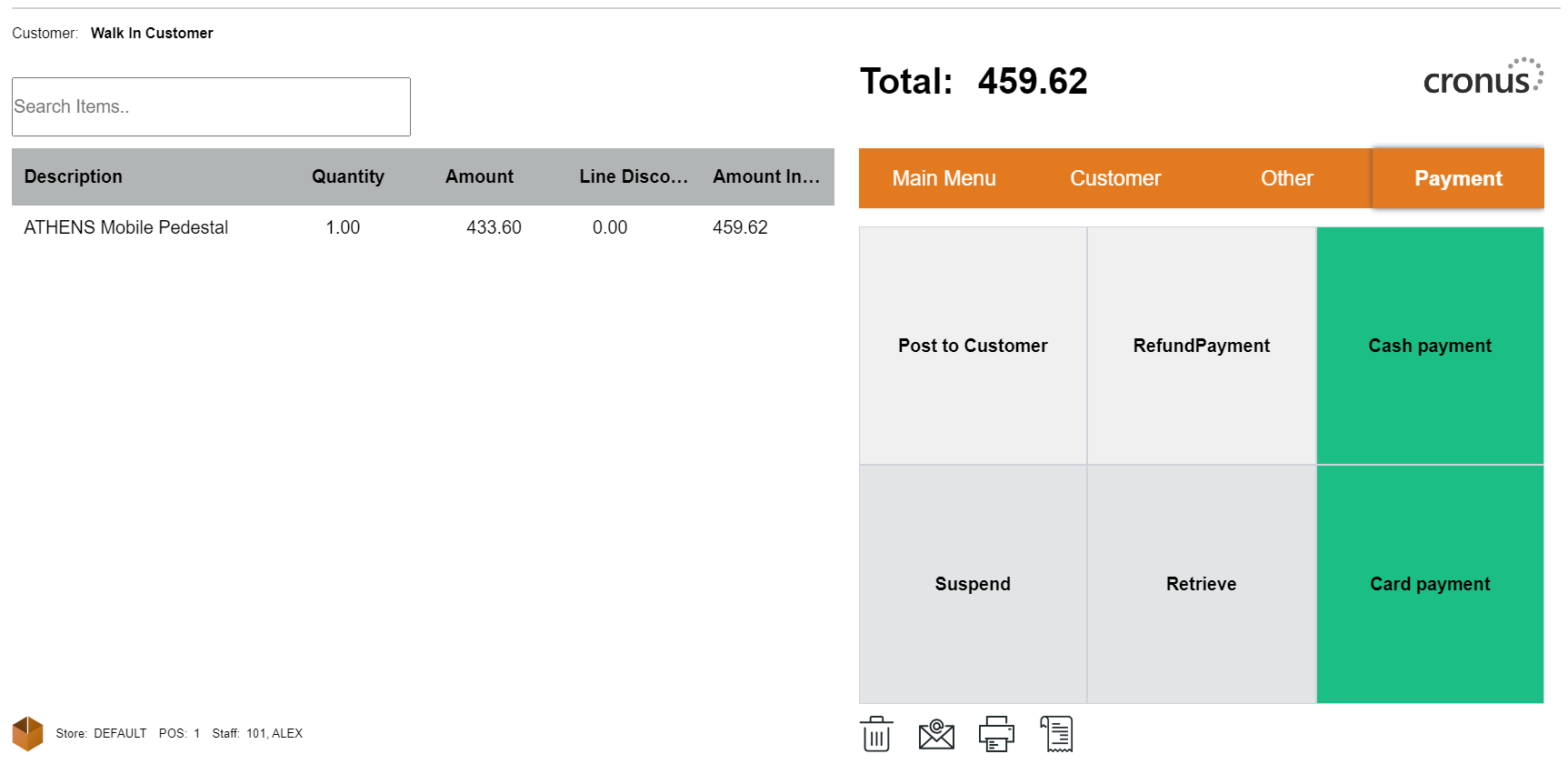
Begin the payment process by selecting a card payment method or exact card payment option.
-
Enter the amount to be charged.
-
The LS Pay app will handle the authorization process through the EFT terminal.
-
After processing, you'll be redirected to LS Express. If the payment request is approved, you can print or email the invoice/receipt.
-
In case the request is declined, you'll return to the payment method list, and a notification will explain the reason for the decline.
How to: Issue a Refund with LS Pay
-
To issue a refund, start by adding items to the POS.
-
Adjust the quantity to a negative value or return items through the sales history.
-
When the sale balance becomes negative, select the LS Pay payment method.
-
Confirm that the amount is accurate and negative. The refund request is then sent to the LS Pay app and processed similarly to a regular payment transaction.