Quick Cash
The Quick cash feature can make the checkout process faster. To set up the quick cash, see How to: Set up the Quick Cash.
How to: Use Quick Cash in POS
-
When processing a sale in the Point of Sale (POS), click on the Quick Cash action.
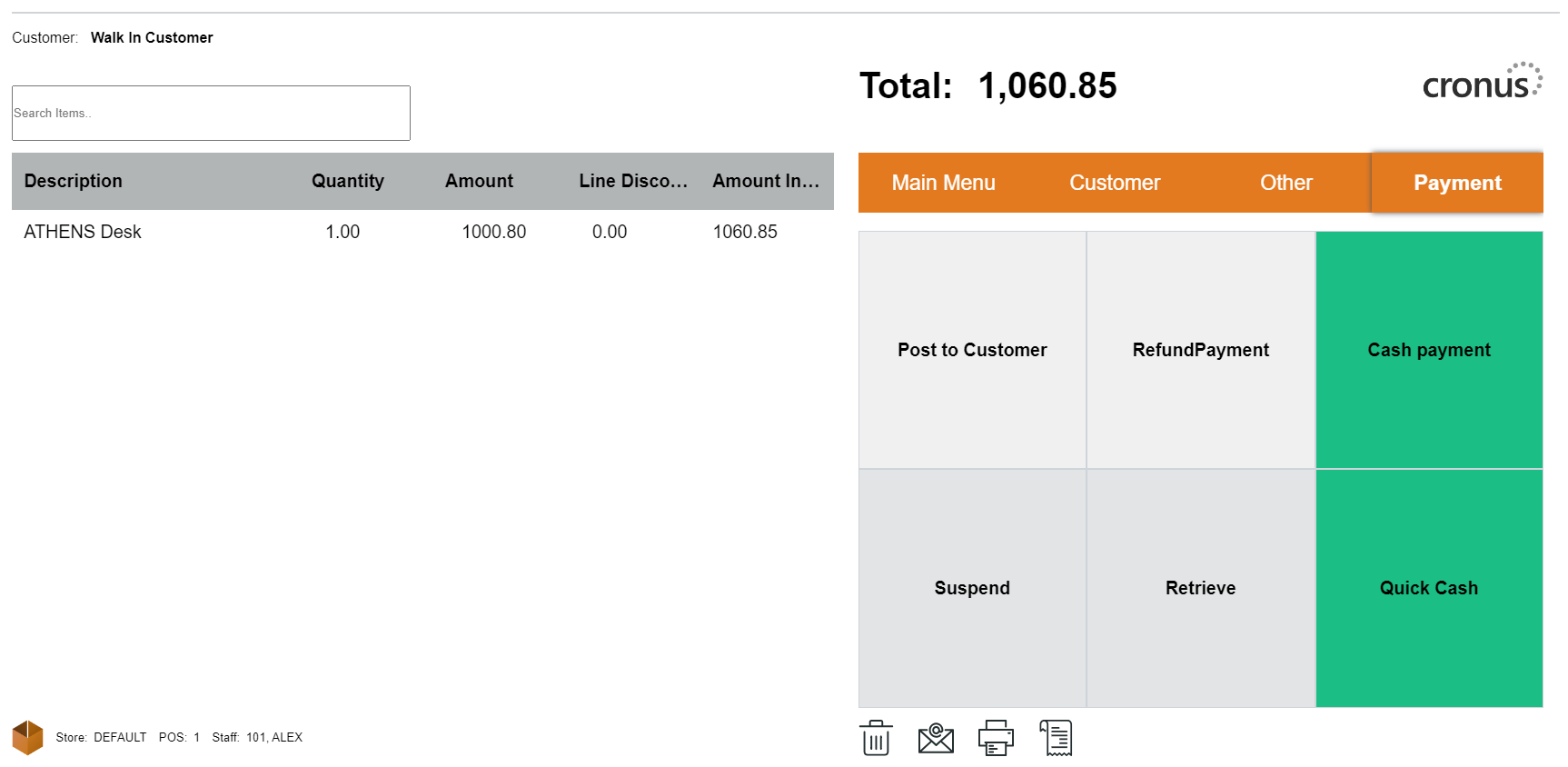
-
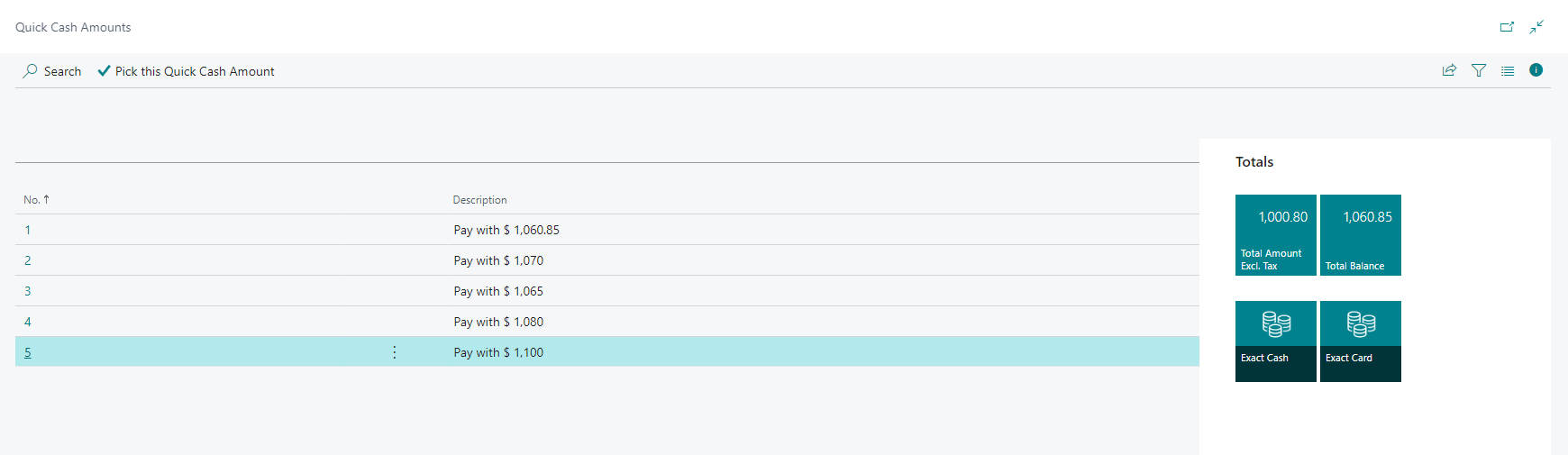
A list of quick cash payment options will be displayed based on the denominations you defined.
-
Select the appropriate quick cash option that the customer is providing to pay for the purchase.
-
Confirm the payment by selecting Yes.
Note: The change amount will be displayed in the notification bar and also on the receipt.