Sales Profiles
Sales Profiles in LS Express allow you to define different configurations for each Point of Sale, including store settings, printing options, and drawer preferences.
How to: Configure Printing in Sales Profiles
-
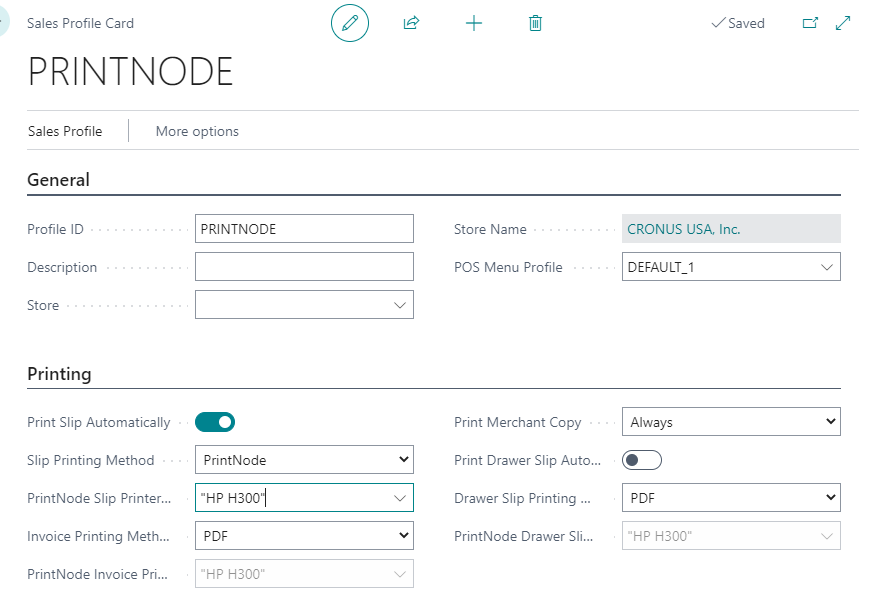
Once PrintNode is configured and selected as a printing method, you can fill all the related fields in the printing FastTab.
How to: Verify the Sales Profile on the POS
-
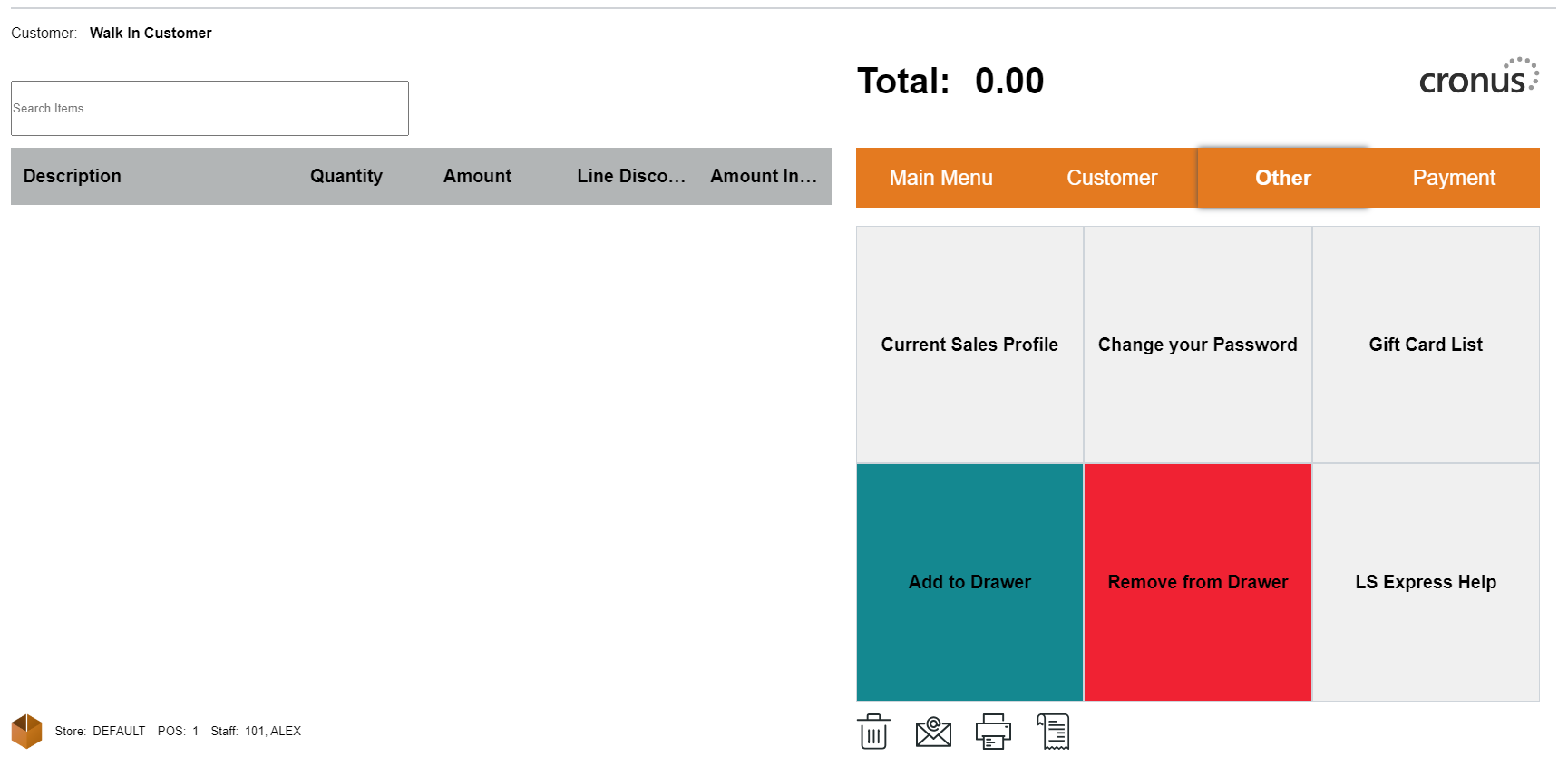
In the POS, select the Current Sales Profile option.
-
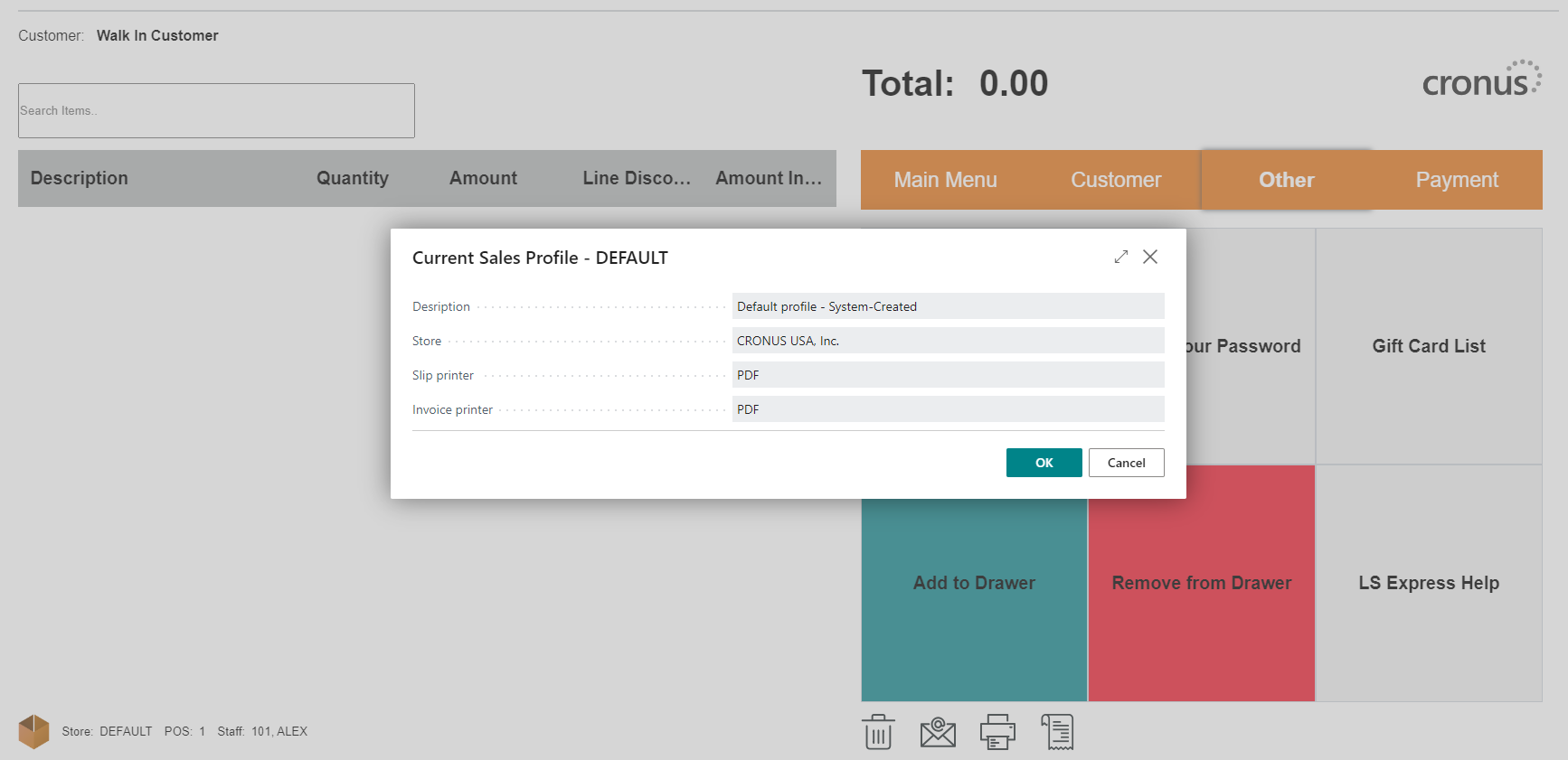
The POS will displays the information on the sales profile currently in use.
See also